1
Databases
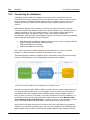
Connecting to a Database
585
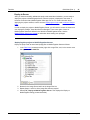
Connecting to Microsoft Access (ADO)
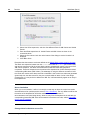
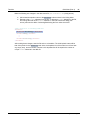
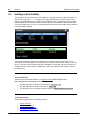
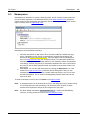
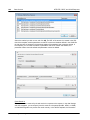
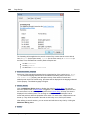
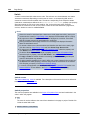
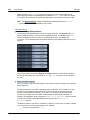
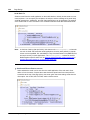
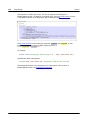
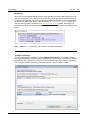
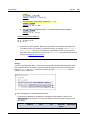
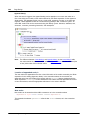
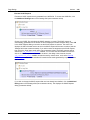
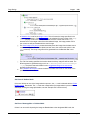
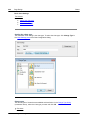
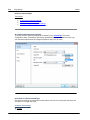
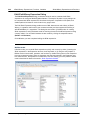
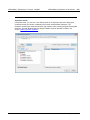
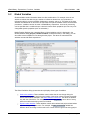
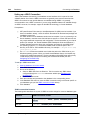
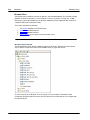
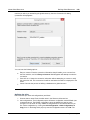
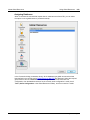
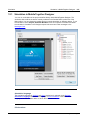
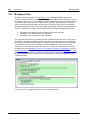
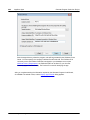
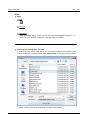
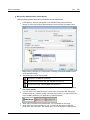
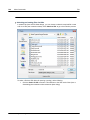
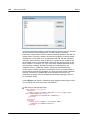
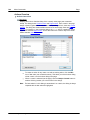
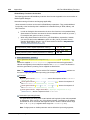
A simple way to connect to a Microsoft Access database is to follow the wizard and browse for
the database file, as shown in Connecting to an Existing Microsoft Access Database. An
alternative approach is to set up an ADO connection explicitly, as shown in this topic. This
approach is useful if your database is password-protected.
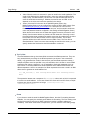
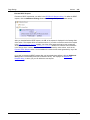
It is also possible to connect to Microsoft Access through an ODBC connection, but there are
some limitations in this scenario, so it is best to avoid it.
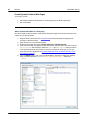
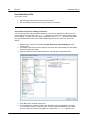
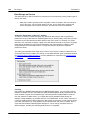
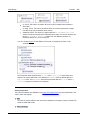
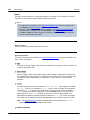
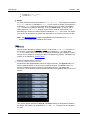
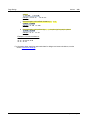
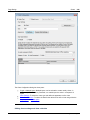
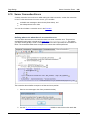
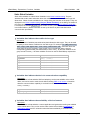
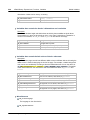
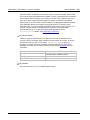
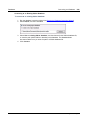
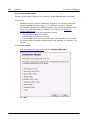
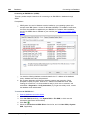
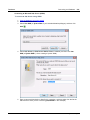
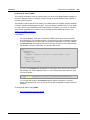
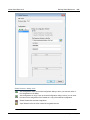
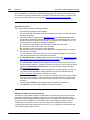
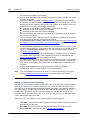
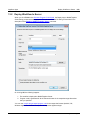
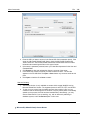
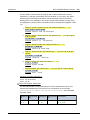
To connect to a password-protected Microsoft Access database:
1.
2.
3.
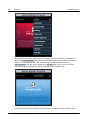
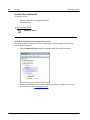
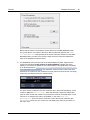
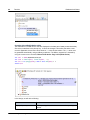
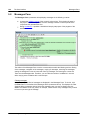
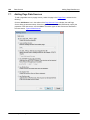
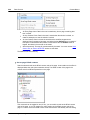
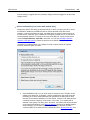
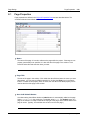
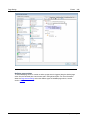
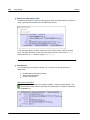
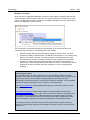
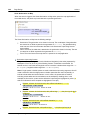
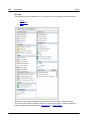
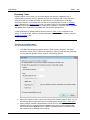
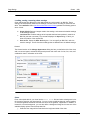
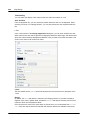
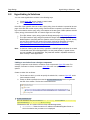
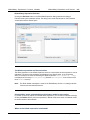
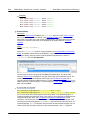
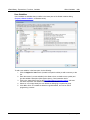
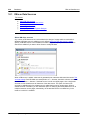
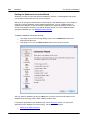
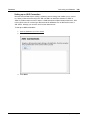
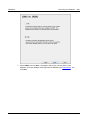
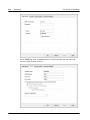
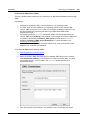
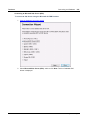
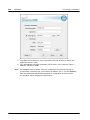
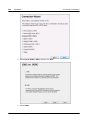
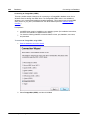
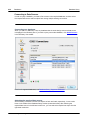
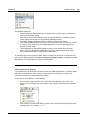
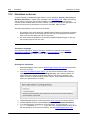
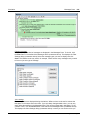
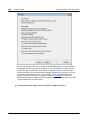
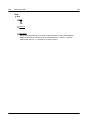
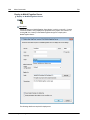
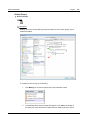
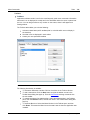
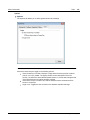
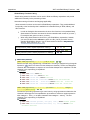
Start the database connection wizard.
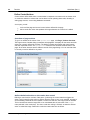
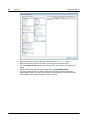
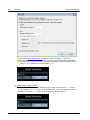
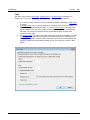
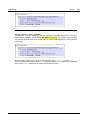
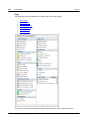
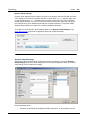
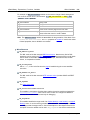
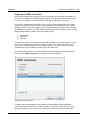
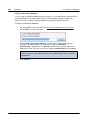
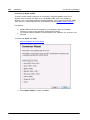
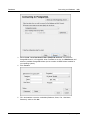
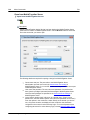
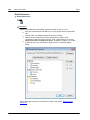
Click ADO Connections.
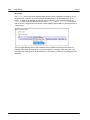
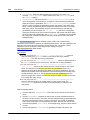
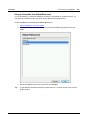
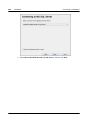
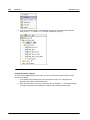
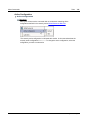
Click Build.
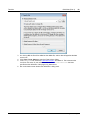
4.
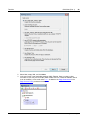
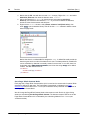
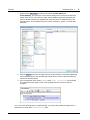
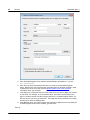
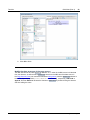
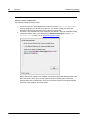
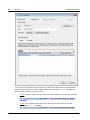
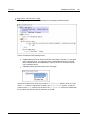
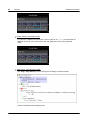
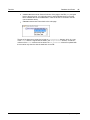
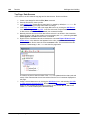
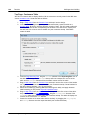
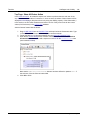
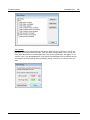
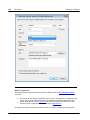
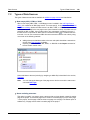
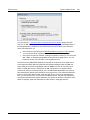
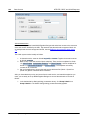
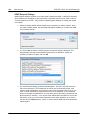
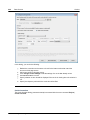
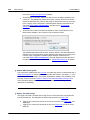
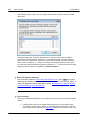
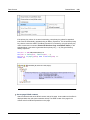
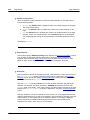
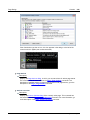
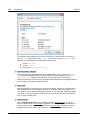
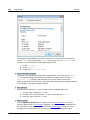
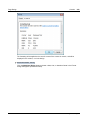
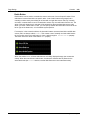
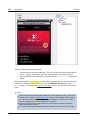
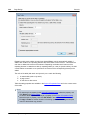
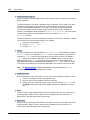
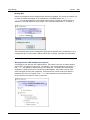
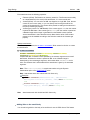
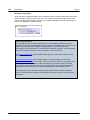
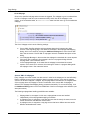
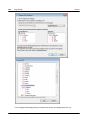
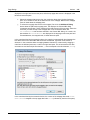
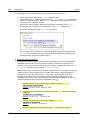
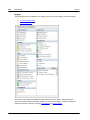
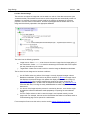
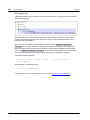
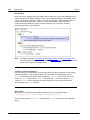
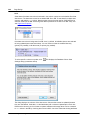
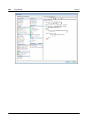
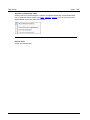
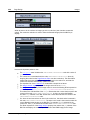
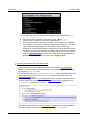
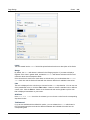
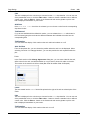
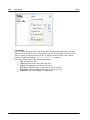
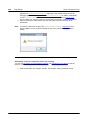
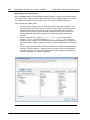
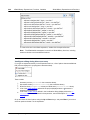
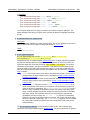
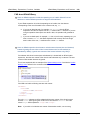
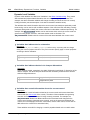
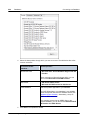
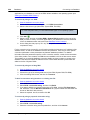
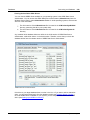
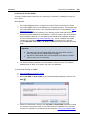
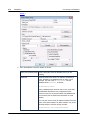
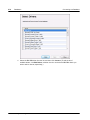
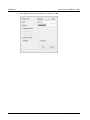
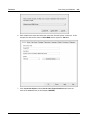
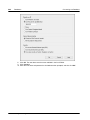
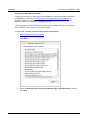
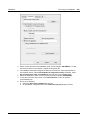
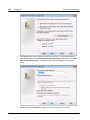
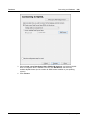
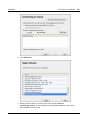
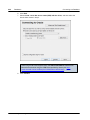
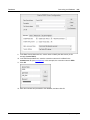
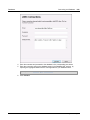
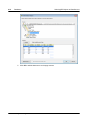
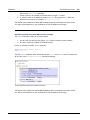
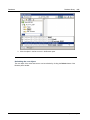
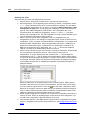
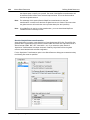
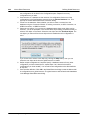
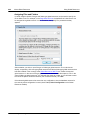
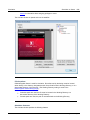
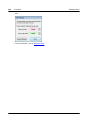
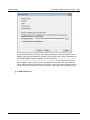
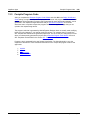
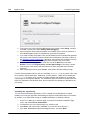
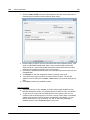
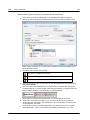
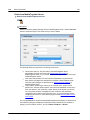
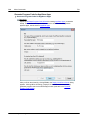
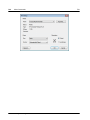
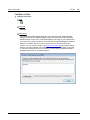
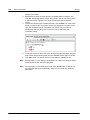
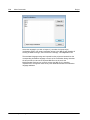
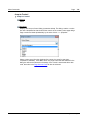
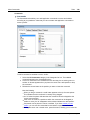
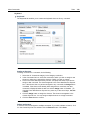
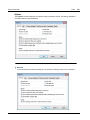
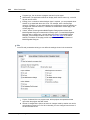
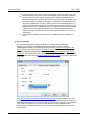
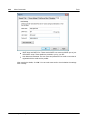
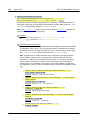
Select the Microsoft Office 15.0 Access Database Engine OLE DB Provider, and then
click Next.
© 2015 Altova Gmb H
Altova MobileTogether Designer