1
2. Follow a scenario
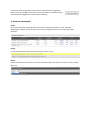
Step 1.
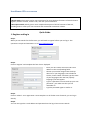
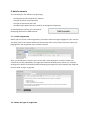
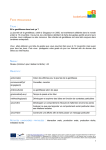
On the CEFcult main page, click on ‘Follow a
scenario’
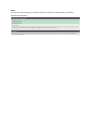
Step 2.
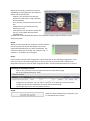
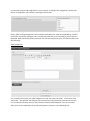
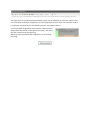
Choose the scenario that you want to follow by clicking on the corresponding box. You can filter the
list of scenarios by language, or see all of the available scenarios, in all languages.
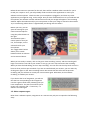
Step 3.
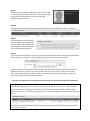
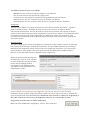
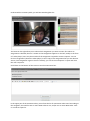
Read the description of the scenario, and then click on ‘Start scenario’
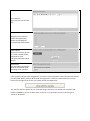
Step 4.
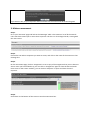
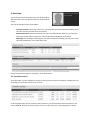
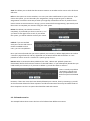
Read the description and instructions for the first assignment.
Step 5.