1
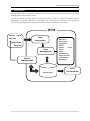
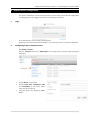
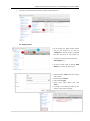
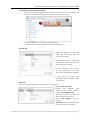
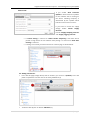
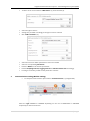
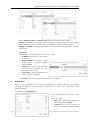
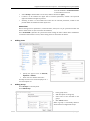
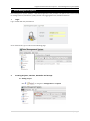
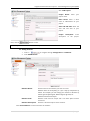
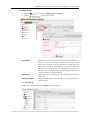
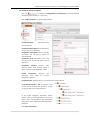
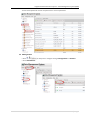
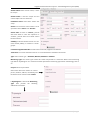
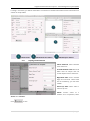
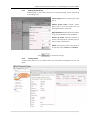
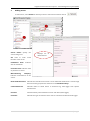
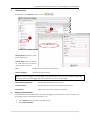
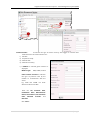
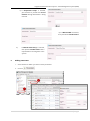
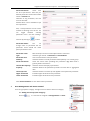
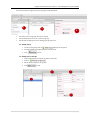
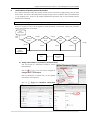
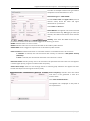
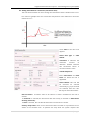
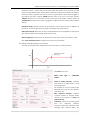
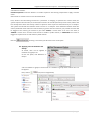
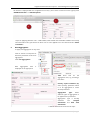
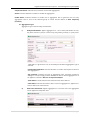
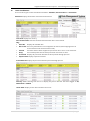
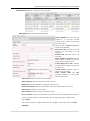
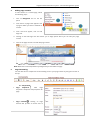
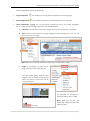
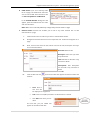
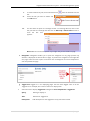
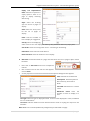
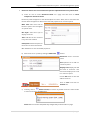
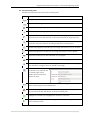
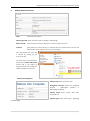
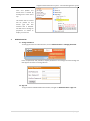
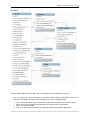
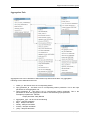
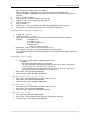
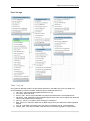
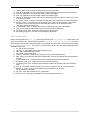
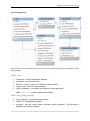
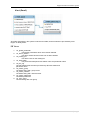
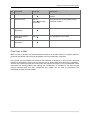
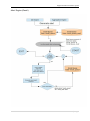
Regional flood Information System – Data Management System (DMS) must be enabled in “Communication” as described in section 3. Select Group to whom SMS is to be sent (if SMS is selected as Type). If alarm is to be enabled for upper limit of selected parameter, enable it and provide upper threshold and upper hysteresis. Similarly, If alarm is to be enabled for lower limit of selected parameter, enable it and provide lower threshold and lower hysteresis. Remember! Above settings (sensor parameters, communication, alerts) are not yet synchronized with the device rather these are just saved into the database, Press “Download” (3) button to synchronize these settings to device. When device establishes a communication with the server, these setting are then saved into the device. 5 Adding Users Click on “Add User” to add a new user. Specify the type of user as General, Operator or Admin. Enter new user details and save it. A newly entered user will be displayed in a user description list 6 Adding Group Click “Groups” on the left panel. Click “Add Group”. Enter group name. Add description to the group Select users to be included in this group. Click “Save” button. When a group is successfully added it will be listed in a Registered Group. 10 | P a g e