1
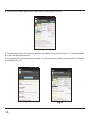
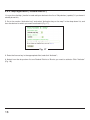
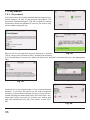
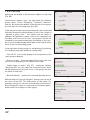
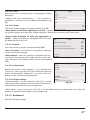
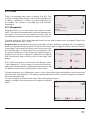
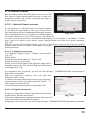
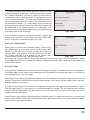
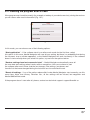
4. On the device window appears with a description of the program (Fig. 10).
Fig. 10
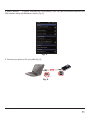
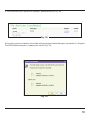
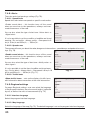
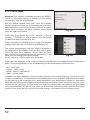
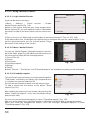
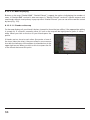
5. The operating system will inform you about the possibilities of the program (Fig. 11). To continue installation, click “Accept and download”;
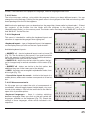
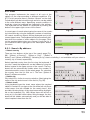
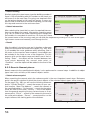
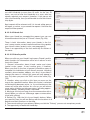
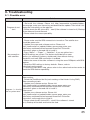
6. The program will start to download and install, you can watch the installation in the menu item “Download”
in the Market (Fig. 12).
Fig. 11
14
Fig.12