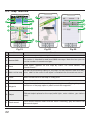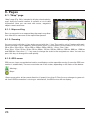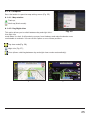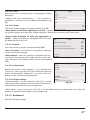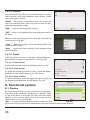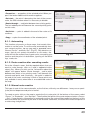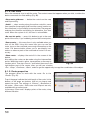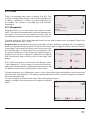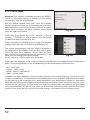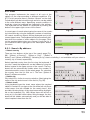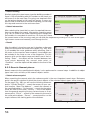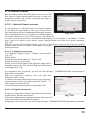
1
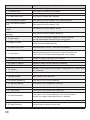
№
Name
Function
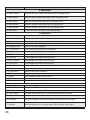
5
Back to
position
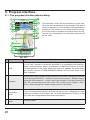
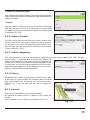
Button is active if the map is shifted relative to your location. A short click on it
returns a map to your location.
6
Speed
Current speed.
7
Route
Active route.
8
GPS-cursor
Your location indicator.
9
Traffic lane
Displays the traffic lanes with a valid maneuvers at the next intersection.
10 Progress-bar
The line is filled in as you come closer to the maneuvre
11 Menu
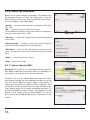
Main menu opens by pressing this button.
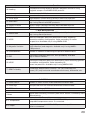
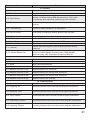
12
Information
panel
The estimated total time in a way, the total length of the route, time of arrival at
the final point of the route.
13
Information
panel
Name of the street that you drive on. Is active only when connection with sattelites is established.
14 Scale button
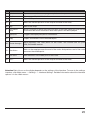
Zoom out.
15 2D/3D
Switches 2D/3D format.
16 Scale button
Zoom in.
17 Navitel. Events
Event management button.
18
The speed limit
and the camera
In excess of the established speed displays the speed limit on that road section.
If warning of the cameras turned on in the settings, then when approaching the
camera distance to it displays.
19 Traffic Jams
Shows the current traffic jams on a 10-point scale.
20 Time
Current time.
21 Battery
Icon shows the level of battery charge. Click on it to see the remaining memory.
22 Navitel.Friends
Icon to open Navitel. Friends menu. Service allows you to add friends, see their
location on the map and chat with them.
21