1
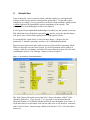
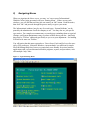
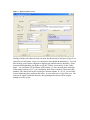
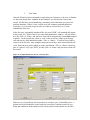
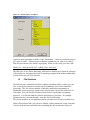
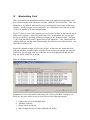
Your ‘Starting Menu’ will appear once the sign-on operations are complete. System
administrators have the ability to re-define and re-arrange both menus per se, and the
selections on them, virtually without limit. Further, each individual UserID may be
provided with a menu completely unique to them. Therefore, we cannot show you in this
manual exactly what your starting menu will look like. We can however tell you what its
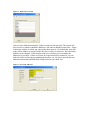
characteristics will be, and how to operate it in general terms. Consider a typical
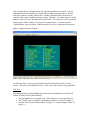
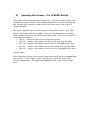
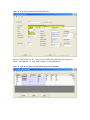
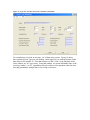
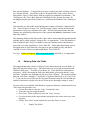
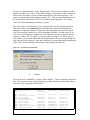
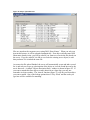
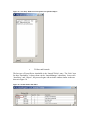
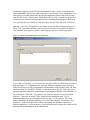
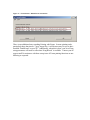
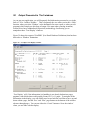
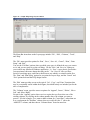
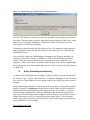
‘Starting Menu’ shown in Figure 2 and the typical 'lower level' menu shown in Figure 3.
Figure 3 - Typical 'Lower Level' menu
As with any menu, you are presented with several selections from which you may
choose. The menus will usually also have a ‘Title’ area, and in some cases group labels.
Title Area
Depending upon the system administrator who built your starting menu, the title will
consist of some sub-set of the following:
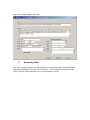
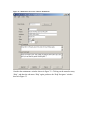
• The port number you are signed in on (0031 in Figure 2, not used in Figure 3.)
• The ‘UserID’ you are signed in on (dhopper in Figure 2, not used in Figure 3.)
• A Static Title (‘Practice Master Menu’ in Figure 2, ‘Charter Manager Tables’ in
Figure 3.)