1
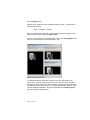
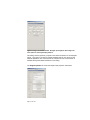
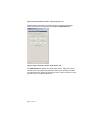
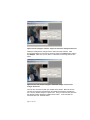
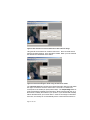
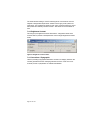
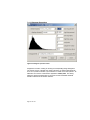
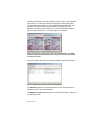
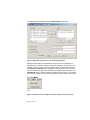
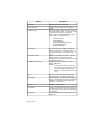
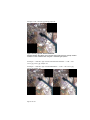
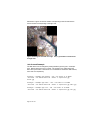
param column. The bottom of the dialog we have the buttons apply, keep, copy,
delete, reset, save, and close.
The apply button will apply the current adjustments to the image. This is not
needed if the auto apply button is enabled. If the auto apply is enabled then the
image changes immediately when any parameter changes. This is true by
default.
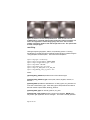
The keep button will make a copy and re-center the adjustments. So if you
move the top slider over and hit “keep” button it will make a copy of the
adjustment, adjust the center to that value, reset the param back to 0:
center = center + param*sigma
param = 0
You can go back to the previous adjustment by selecting the adjustment number
in the adjustment selection at the top of the dialog.
The copy button simply makes a copy of the current adjustment. The previous
adjustment can be retrieved through the adjustment selection list at the top of the
dialog.
The delete button will delete the current adjustment. If the current adjustment is
the first adjustment it will simply reset the adjustment to the initial condition.
The reset button will reset the current adjustment to the sensors initial
adjustment values.
The save button will write the adjustments to disk. This is important if you want
your adjustments to stick around for future use or for use by external OSSIM
applications. By default it should fill the correct <filename>.geom file in the file
browser dialog.
The close button will close the dialog box.
Page 30 of 107