1
3.2 Managing Windows
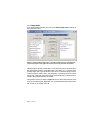
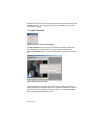
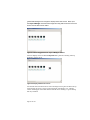
In this introductory tutorial we will get a feel for some of the window management
and display commands. Each project in ImageLinker lives in its own canvas.
Standard maximize, minimize and collapse menu options work on the project
canvas within the desktop. Additionally, there are a couple of useful commands
for organizing the windows. Lets try a couple.
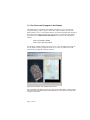
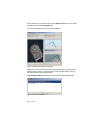
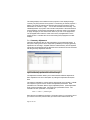
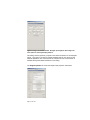
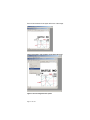
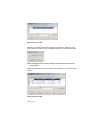
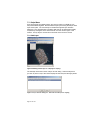
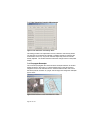
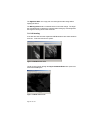
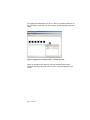
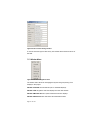
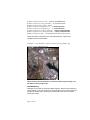
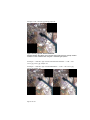
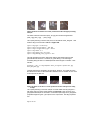
Select Window->Cascade
The open displays are cascaded within the project canvas.
Figure 3 Cascade.
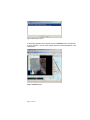
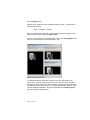
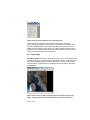
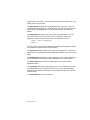
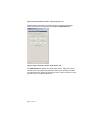
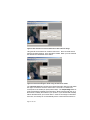
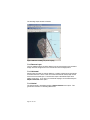
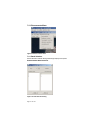
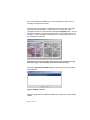
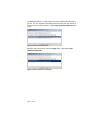
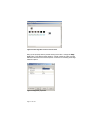
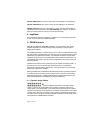
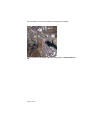
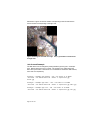
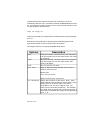
Select Window->Minimize All
Collapses the displays into the bottom of the Canvas.
Figure 4 Minimize all.
Page 9 of 107