1
Operation
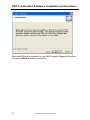
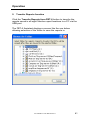
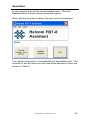
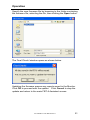
Specify the new firmware file by browsing to the folder containing
the firmware file, selecting the file, then clicking the Open button.
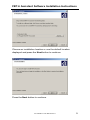
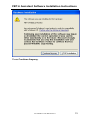
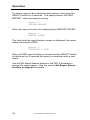
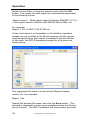
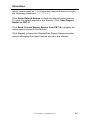
The Final Check! window opens as shown below.
Updating the firmware erases any reports saved in the Monitor.
Click OK to proceed with the update. Click Cancel to stop the
update and return to the main FBT-6 Assistant screen.
501-338 FBT-6 User Manual Rev H
51