1
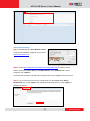
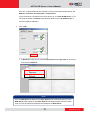
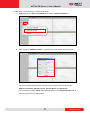
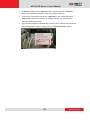
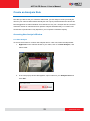
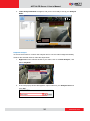
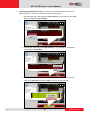
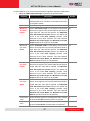
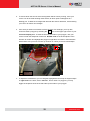
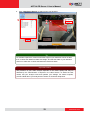
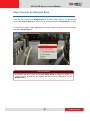
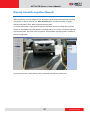
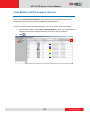
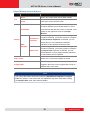
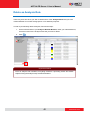
ACTi ALPR Server 1 User’s Manual To Remove a camera view, right-click on the channel and select “Remove”. Note that the analysis will stop running if you perform this action. To renew the connection to a device in, right-click on the channel and select “Reconnect”. Note that if you have an analysis running, you must stop the analysis to perform this action. If you want the program to automatically reconnect when it detects that it has been disconnected from the device, keep the box for “auto reconnect” marked. 22 www.acti.com