1
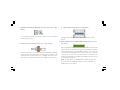
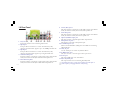
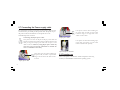
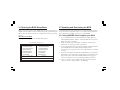
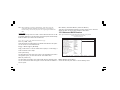
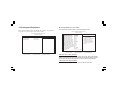
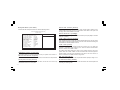
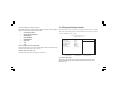
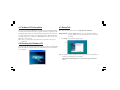
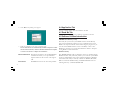
2. Click Next. The following screen appears:
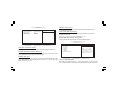
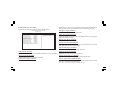
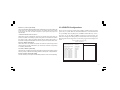
4.4 Application Tab
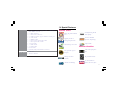
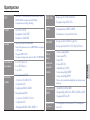
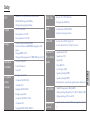
Lists the software utilities that are available on the CD.
4.5 Read Me Tab
Displays the path for all software and drivers available on the CD.
4.6 Software Utilities Introduction
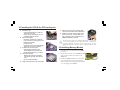
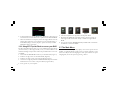
3. Follow the instructions on the screen to install the items.
Drivers and software are automatically installed in sequence. Follow
the onscreen instructions, confirm commands and allow the computer
to restart a few times to complete the installation.
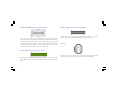
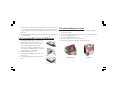
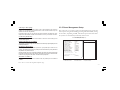
Browse CD button: The Browse CD button is the standard Windows
command that allows you to open Windows
Explorer and show the contents of the support
CD.
Exit button:
4-2
The Exit button closes the Auto Setup window.
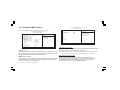
AWARD Flash Memory Utility
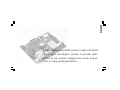
This utility lets you erase the system BIOS stored on a Flash Memory
chip on the motherboard, and lets you copy an updated version of the
BIOS to the chip. Proceed with caution when using this program. If you
erase the current BIOS and fail to write a new BIOS, or write a new
BIOS that is incorrect, your system will malfunction. Refer to Chapter 3
“Using BIOS” for more information.
WinFlash Utility
The AWARD WinFlash utility is a Windows version of the DOS Award
BIOS flash writer utility. The utility enables you to flash the system BIOS
stored on a Flash Memory chip on the motherboard while in a Windows
environment. This utility is currently available for WINXP\ME\2000\
98SE. To install the WinFlash utility, rin WINFLASH.EXE from the
following directory: \UTILITY\WINFLASH