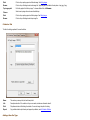
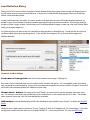
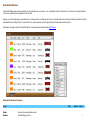
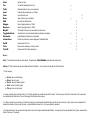
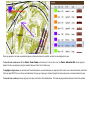
1
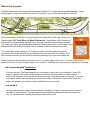
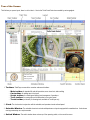
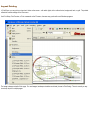
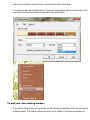
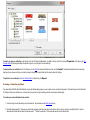
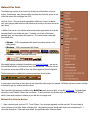
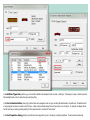
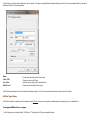
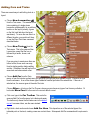
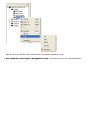
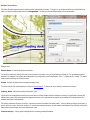
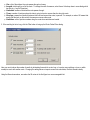
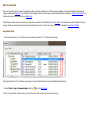
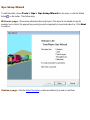
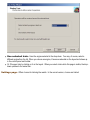
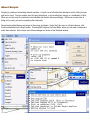
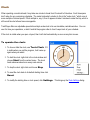
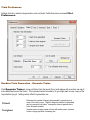
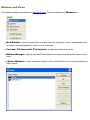
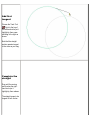
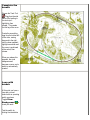
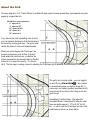
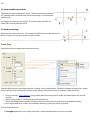
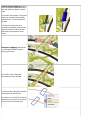
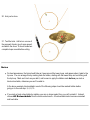
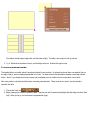
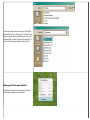
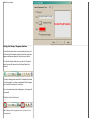
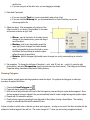
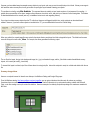
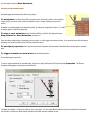
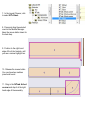
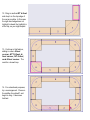
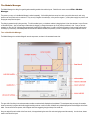
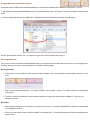
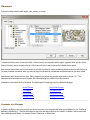
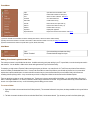
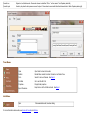
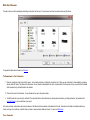
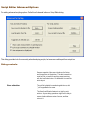
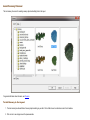
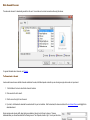
3. Click Add... This brings up
the Layout Chooser. By default,
it opens to the NTrak
Components folder.
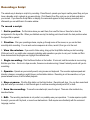
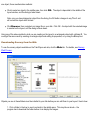
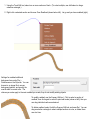
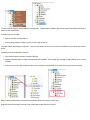
4. Position the two windows
side by side so you can work
with both together.
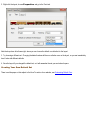
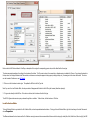
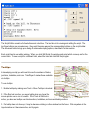
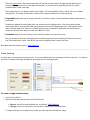
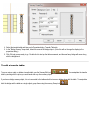
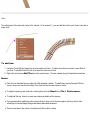
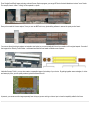
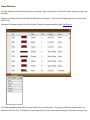
5. Click in the Layout Chooser
to select NT 6-foot, a plain Nscale module template six feet
long.
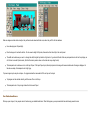
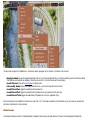
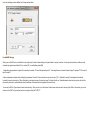
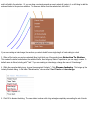
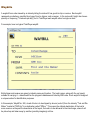
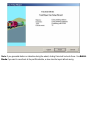
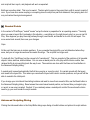
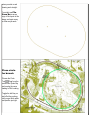
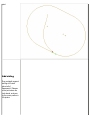
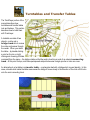
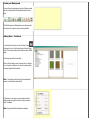
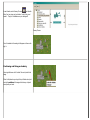
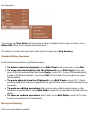
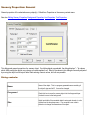
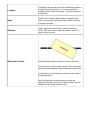
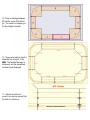
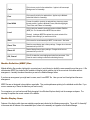
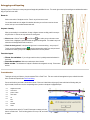
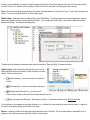
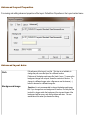
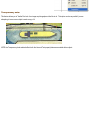
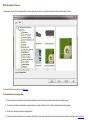
6. Press the selected row and
drag it into the Module Manager
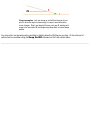
workspace. It appears as a
framed rectangle filling most of
the workspace, with a label
showing it as module #1 in the
assembly.