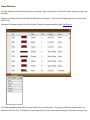
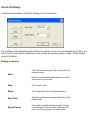
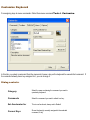
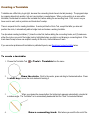
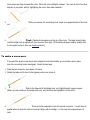
1
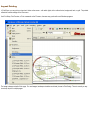
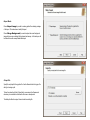
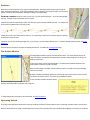
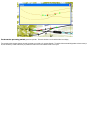
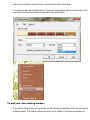
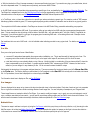
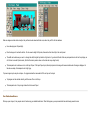
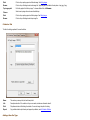
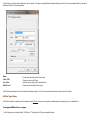
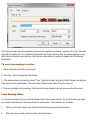
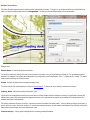
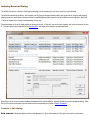
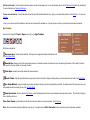
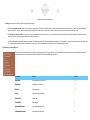
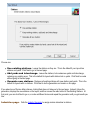
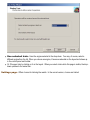
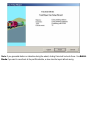
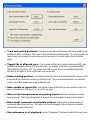
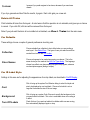
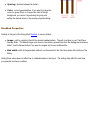
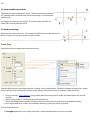
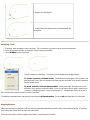
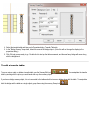
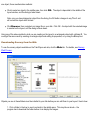
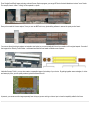
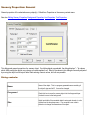
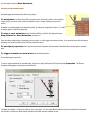
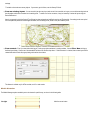
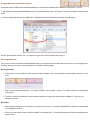
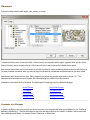
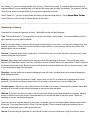
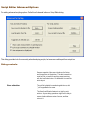
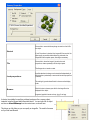
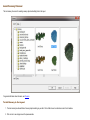
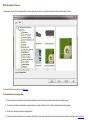
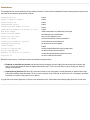
To add a new type to a collection, click the Add button on the Car Type tab. This creates a new undefined type and blanks the dialog for entry of data. To provide a complete definition, you will need to
enter data into both the Car Type and Images tabs.
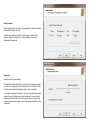
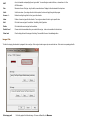
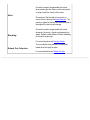
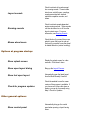
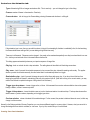
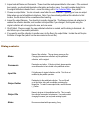
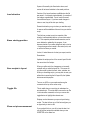
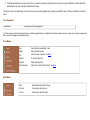
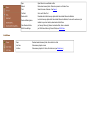
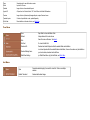
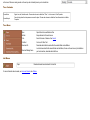
Name
Class, AAR
Size, Units
Default Load
Provide a short, descriptive name of the new car type.
Choose a car class or an AAR code.
Specify the car size, length x width, in the selected units.
Choose a load to be the default for this car type.
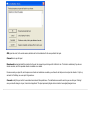
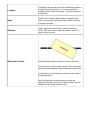
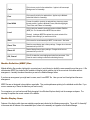
The OK button remains dimmed until you have entered all the necessary information. On Cancel, the new type is discarded and no change is made to the collection.
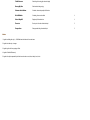
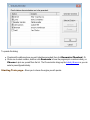
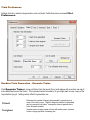
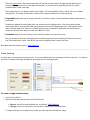
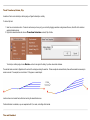
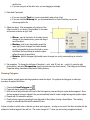
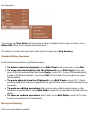
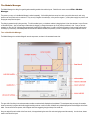
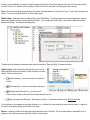
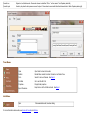
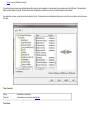
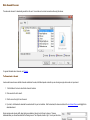
AAR Car Types Dialog
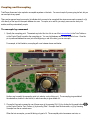
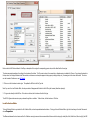
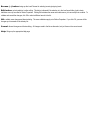
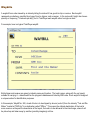
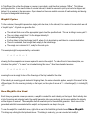
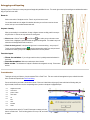
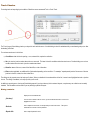
An AAR code is a symbol for a specific type of car, as explained under AAR Codes. Every car and car type has one, whether assigned by the program or by you, as described here.
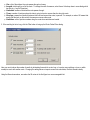
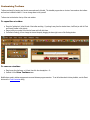
To assign an AAR code to a car type:
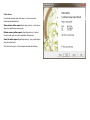
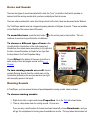
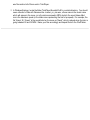
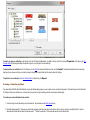
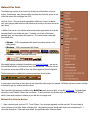
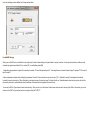
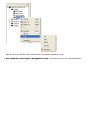
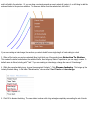
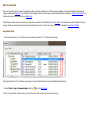
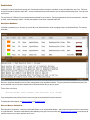
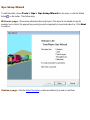
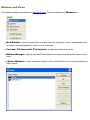
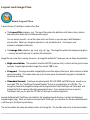
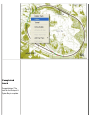
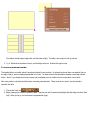
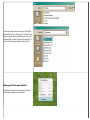
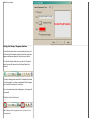
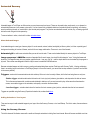
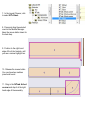
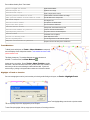
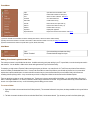
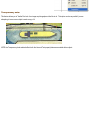
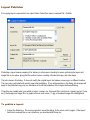
1. In the Class drop-down, choose the last item, "AAR Types List." This brings up the AAR types in a separate list window: