1
11 M ODEL ELEM ENTS
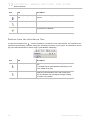
Action
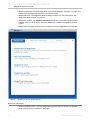
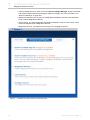
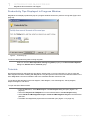
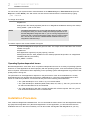
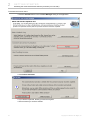
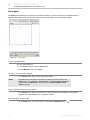
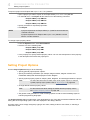
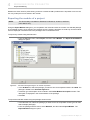
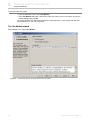
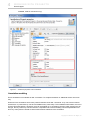
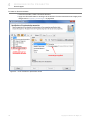
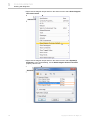
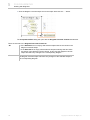
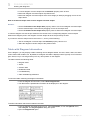
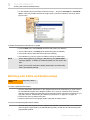
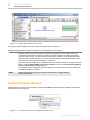
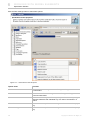
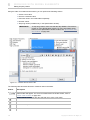
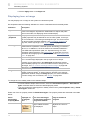
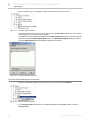
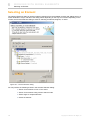
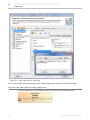
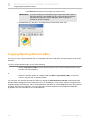
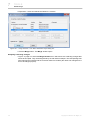
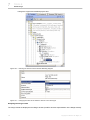
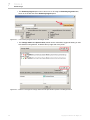
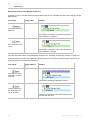
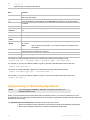
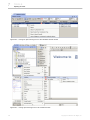
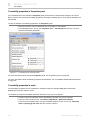
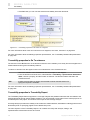
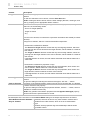
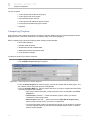
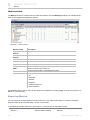
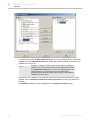
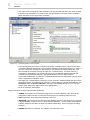
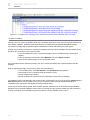
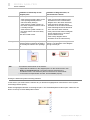
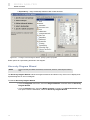
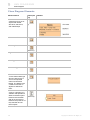
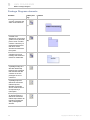
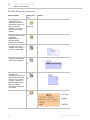
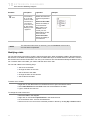
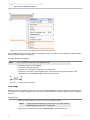
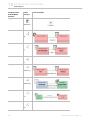
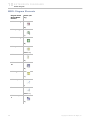
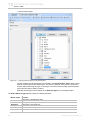
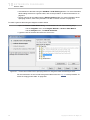
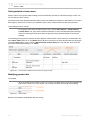
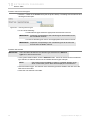
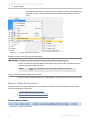
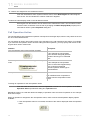
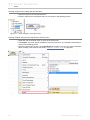
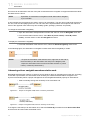
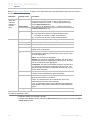
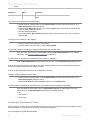
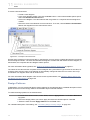
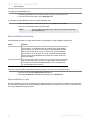
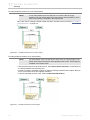
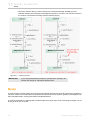
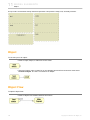
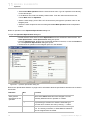
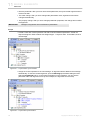
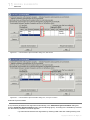
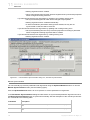
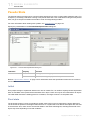
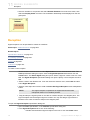
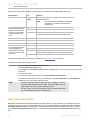
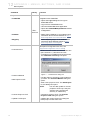
• Expand the Profile Diagram button group and click the Profile button.
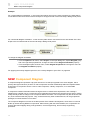
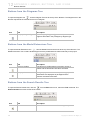
• Expand the Package Diagram button group, click the Package arrow to see more
buttons, and then click the Profile button.
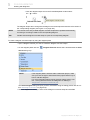
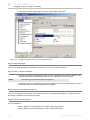
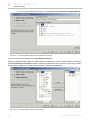
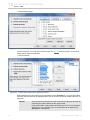
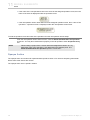
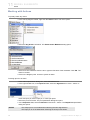
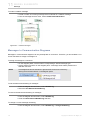
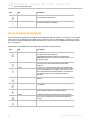
3. Click a free space of the diagram pane.
Action
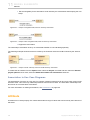
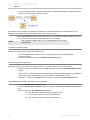
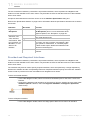
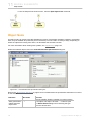
An action is a named element that is the fundamental unit of an executable functionality. The execution of an
action represents some transformations or processing in the modeled system, be it a computer system or otherwise. An action execution represents the run-time behavior of executing an action within a specific behavior
execution. As action is an abstract class, all action executions will be the executions of a specific kind of action.
When the action will be executed and what its actual inputs will be are determined by the concrete action and
the behaviors in which it is used.
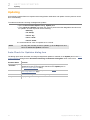
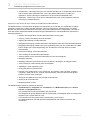
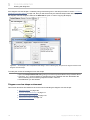
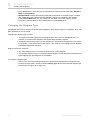
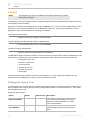
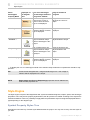
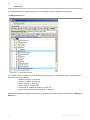
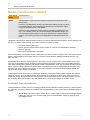
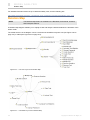
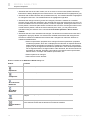
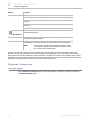
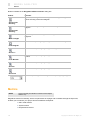
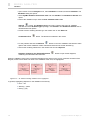
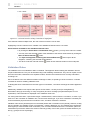
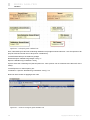
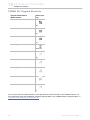
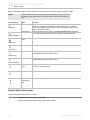
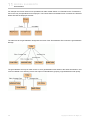
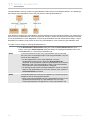
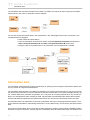
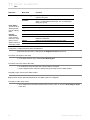
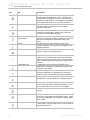
The following are types of actions:
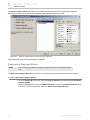
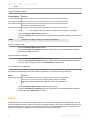
• "Accept Event Action" on page 639.
• "Call Behavior Action" on page 642.
• "Call Operation Action" on page 643.
• "Opaque Action" on page 644.
• "Send Signal Action" on page 645.
•
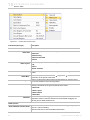
Action Properties
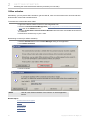
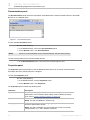
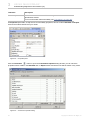
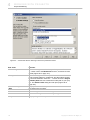
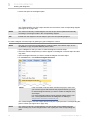
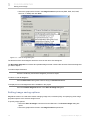
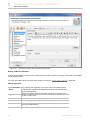
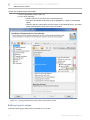
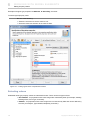
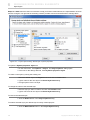
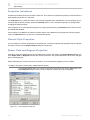
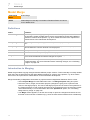
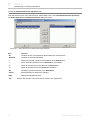
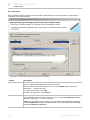
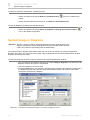
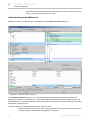
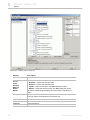
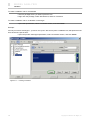
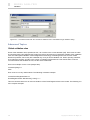
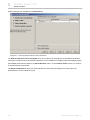
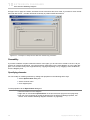
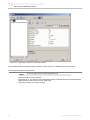
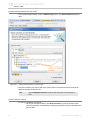
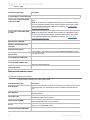
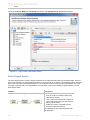
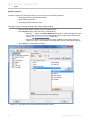
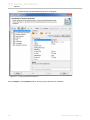
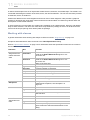
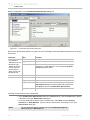
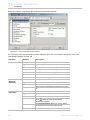
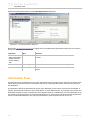
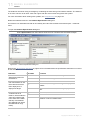
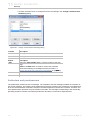
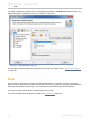
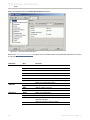
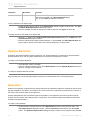
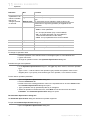
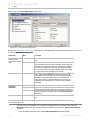
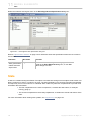
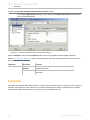
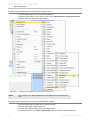
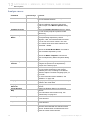
You can specify action properties in the action Specification window. In the same window, you can find the
description of each property. Descriptions are presented in the description area of the Specification window. For
more information about the Specification window usage, see "Specification Window" on page 219.
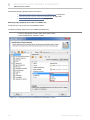
For more information about specifying property values, see "Editing Property Values" on page 237.
See also: "Working with Actions" on page 648.
Usage in diagrams: "Activity Diagram" on page 535.
Parent topic: "Model Elements" on page 622.
Related topics
"Specification Window" on page 219.
"Formatting Symbols" on page 257.
Accept Event Action
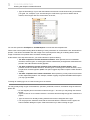
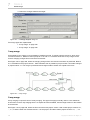
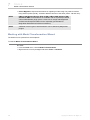
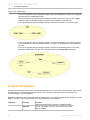
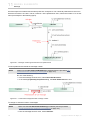
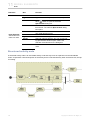
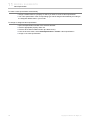
The Accept event action is an action that waits for the occurrence of an event that meets specified conditions. If
an accept event action has no incoming edges, then the action starts when the containing activity or structured
node starts, whichever most immediately contains the action. In addition, an accept event action with no incoming edges remains enabled after it accepts an event. It does not terminate after accepting an event and output-
639
Copyright © 1998-2011 No Magic, Inc..