1
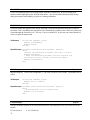
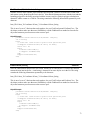
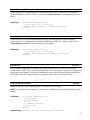
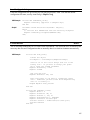
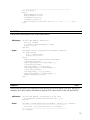
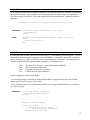
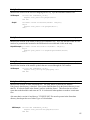
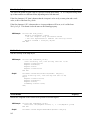
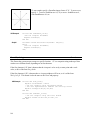
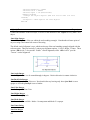
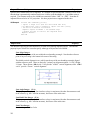
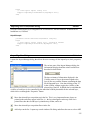
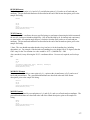
VB Example
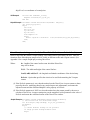
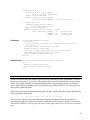
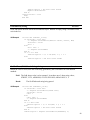
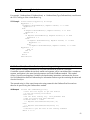
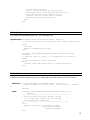
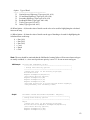
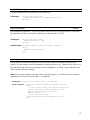
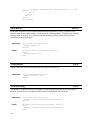
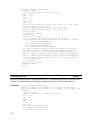
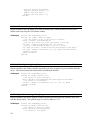
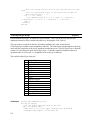
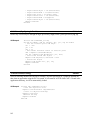
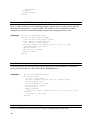
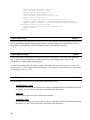
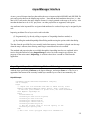
Private Sub Command20_Click()
Dim hndl As Long, MObj As CadObj
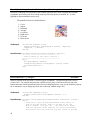
' Get handle to external meta file
MapPro1.Cad.GetMetaObj("d:\test\mappro71\One.wmf")
' USe handle to create object
Set MObj = MapPro1.Cad.MetaObj(-100, 30, -120, 41, hndl)
' No attributes can be changed for these objects
MapPro1.Refresh
End Sub
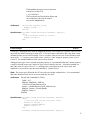
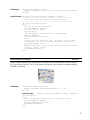
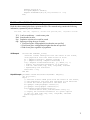
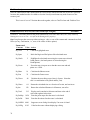
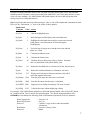
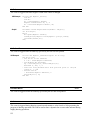
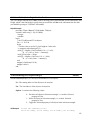
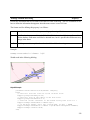
.CAD.mLine(X1, Y1, X2, Y2:Double):CadObj
Method
Draws a line between the two specified points. The line is either a straight line or a Great Circle line
depending on the GreatCircle flag of the object.
X1,Y1
Lon, Lat coordinates of the starting point
X2,Y2
Lon, Lat coordinates of the end point
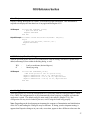
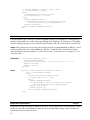
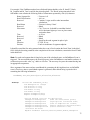
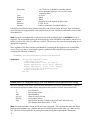
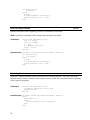
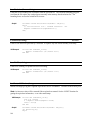
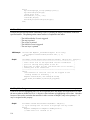
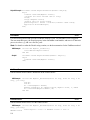
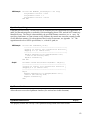
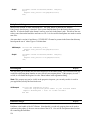
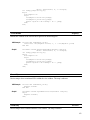
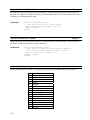
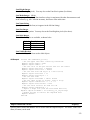
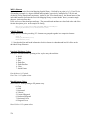
VB Example
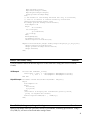
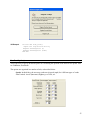
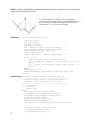
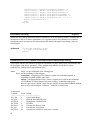
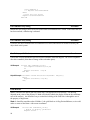
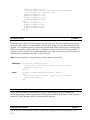
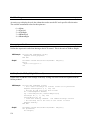
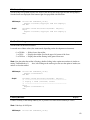
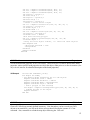
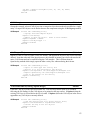
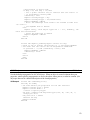
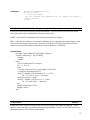
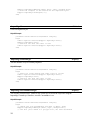
Private Sub Command24_Click()
Dim TL As CadObj
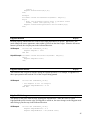
' Draw a Straight Line
Set TL = MapPro1.Cad.mLine(-89, 32, -112, 42)
' Set some of the line attributes
TL.Pen.Width = Val(Text17.Text)
TL.Pen.Color = Val(Text7.Text)
TL.Pen.BackColor = Val(Text8.Text)
TL.Pen.Style = Val(Text11.Text) 'or vbDash
Label6.Caption = MapPro1.Cad.Count
MapPro1.Refresh
End Sub
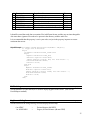
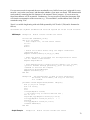
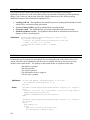
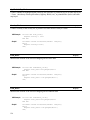
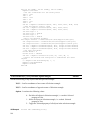
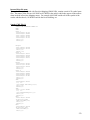
.CAD.Objects(n:integer) array of CadObj
Method
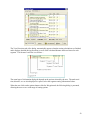
An indexed array holding all the currently defined CAD objects. Each object can be directly accessed,
adited, etc. by its index number. This is a zero-based array. The maximum number of objects that can
be accommodated is only limited by system resources.
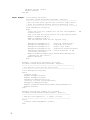
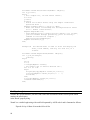
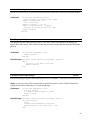
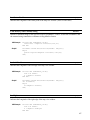
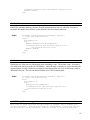
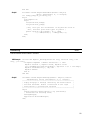
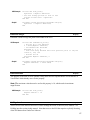
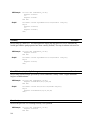
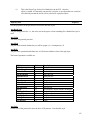
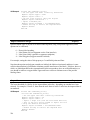
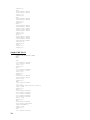
VB Example
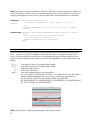
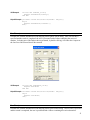
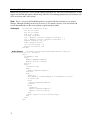
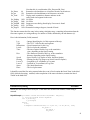
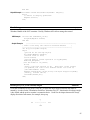
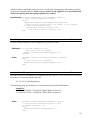
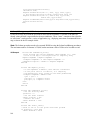
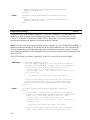
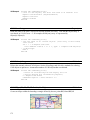
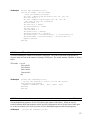
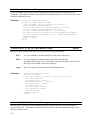
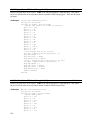
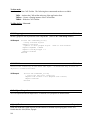
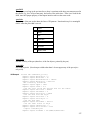
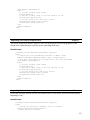
Private Sub Command42_Click()
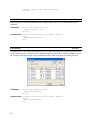
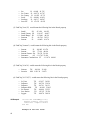
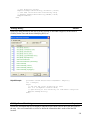
' List the types and pen colors of all current objects (note array
is zero based)
List1.Clear
With MapPro1.Cad
For i = 1 To .Count
List1.AddItem "Item # " & i & ", Type: " & .Objects(i 1).ObjectType & ", Color: " & .Objects(i - 1).Pen.Color
Next i
177