1
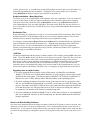
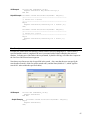
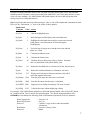
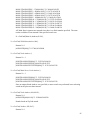
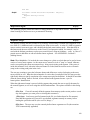
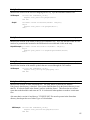
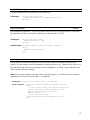
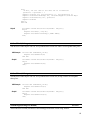
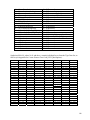
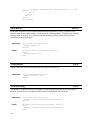
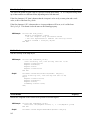
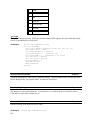
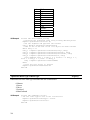
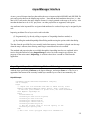
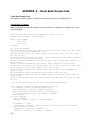
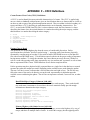
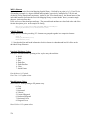
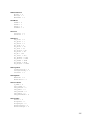
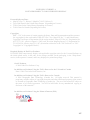
Option
-------33
34
35
36
37
38
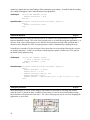
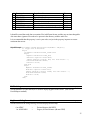
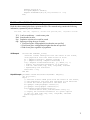
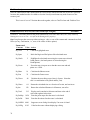
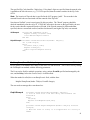
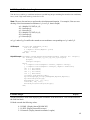
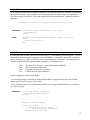
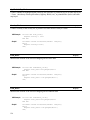
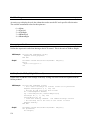
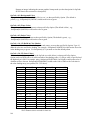
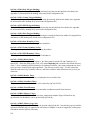
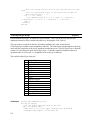
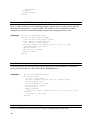
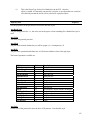
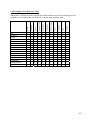
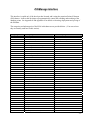
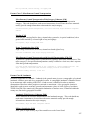
Type of Road
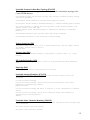
---------------------------------------------Limited Access Highways (Tiger types A10..A18)
US and State Highways (Tiger types A20..A28)
Secondary Highways (Tiger types A30..A38)
Residential Roads (Tiger types A40..A48)
Trails (Tiger types A50..A53)
Other (Tiger types A60..A65)
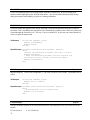
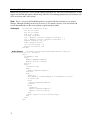
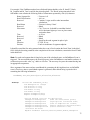
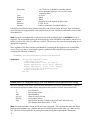
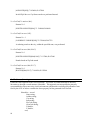
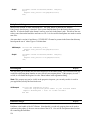
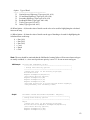
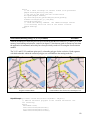
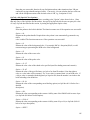
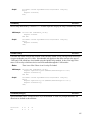
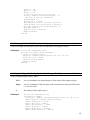
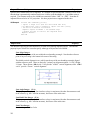
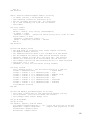
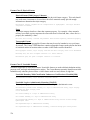
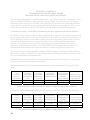
(d) When Option = 48, then the value of Attrib sets the color to be used for highlighting the calculated
route on the map.
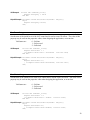
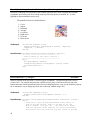
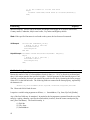
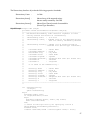
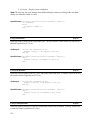
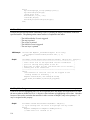
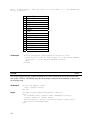
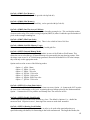
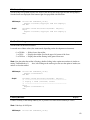
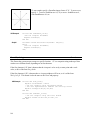
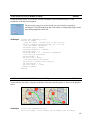
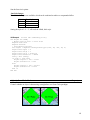
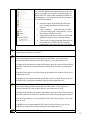
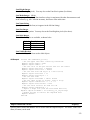
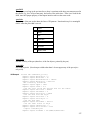
(e) When Option = 49, then the value of Attrib sets the type of hatching to be used for highlighting the
calculated route on the map:
0
1
2
3
4
5
=
=
=
=
=
=
Dot (10%)
Dot (20%)
Dot (50%)
Cross
Hatch
Grid
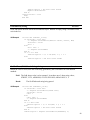
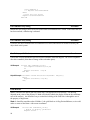
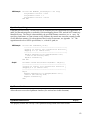
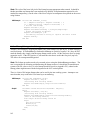
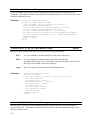
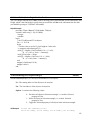
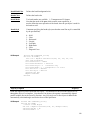
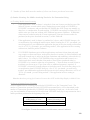
Note: The user should be cautioned that the likelihood of routing failure will increase when road types
are totally excluded, i.e., when travel preference priority is set to "0" for one or more road types.
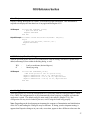
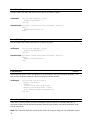
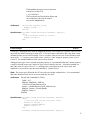
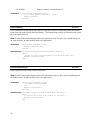
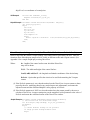
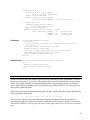
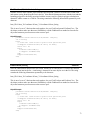
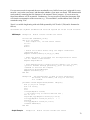
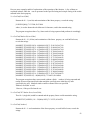
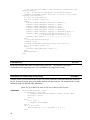
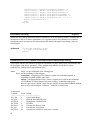
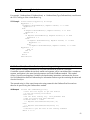
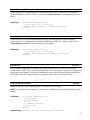
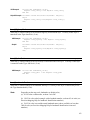
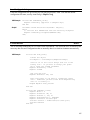
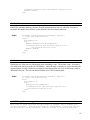
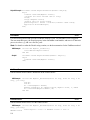
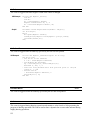
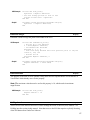
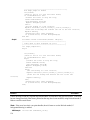
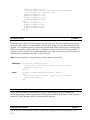
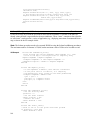
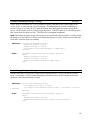
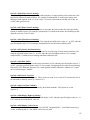
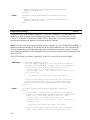
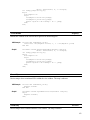
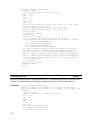
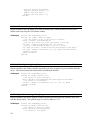
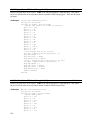
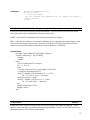
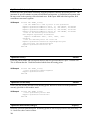
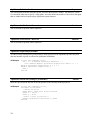
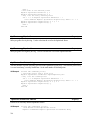
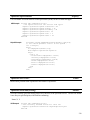
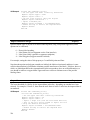
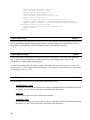
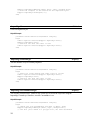
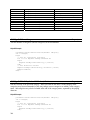
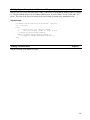
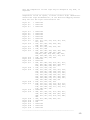
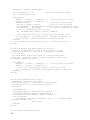
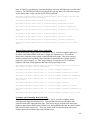
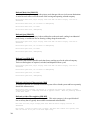
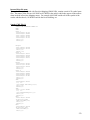
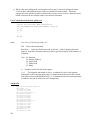
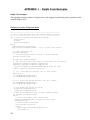
VB Example
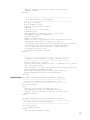
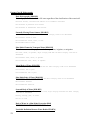
Private Sub Command39_Click()
'----------------------------------------------------}
' Change Some Routing options
}
'----------------------------------------------------}
'change the color of the Routing highlight}
Hcolor=Hcolor+16
MapPro1.RoadOption(48,Hcolor)
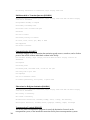
'Set faster driving options}
MapPro1.RoadOption(1,80)
MapPro1.RoadOption(2,75)
MapPro1.RoadOption(3,65)
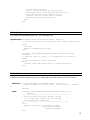
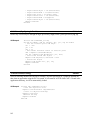
'Set Road priorities to avoid Limited Access Highways}
'and preferably use secondary roads}
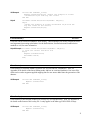
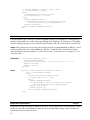
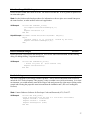
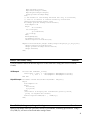
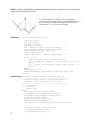
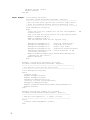
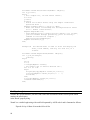
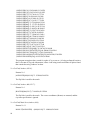
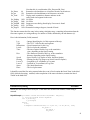
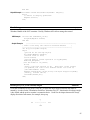
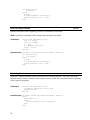
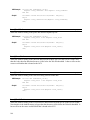
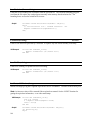
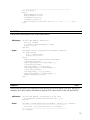
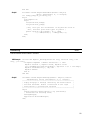
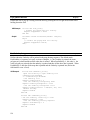
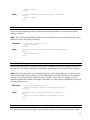
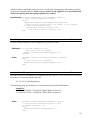
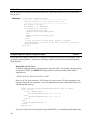
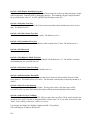
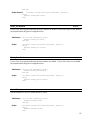
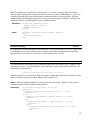
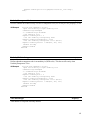
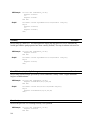
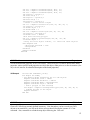
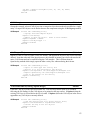
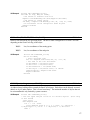
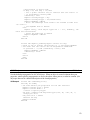
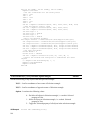
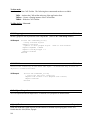
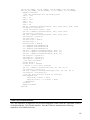
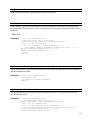
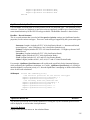
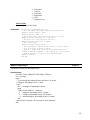
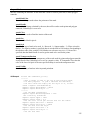
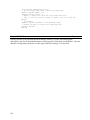
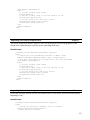
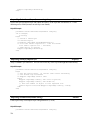
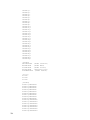
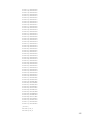
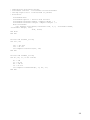
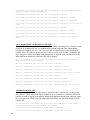
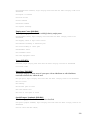
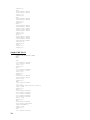
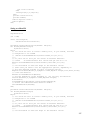
Delphi
Procedure TForm1.Button8Click(Sender: TObject);
{----------------------------------------------------}
{ Change Some Routing options
}
{----------------------------------------------------}
begin
{change the color of the Routing highlight}
Hcolor:=Hcolor+16;MapPro1.RoadOption(48,Hcolor);
{Set faster driving options}
MapPro1.RoadOption(1,80);
MapPro1.RoadOption(2,75);
133