1
Mailing Images
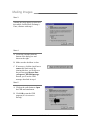
STEP 6
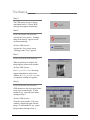
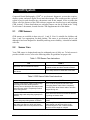
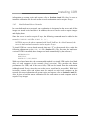
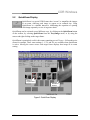
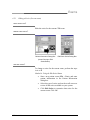
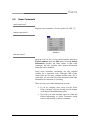
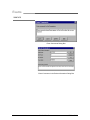
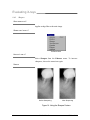
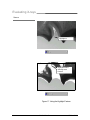
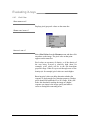
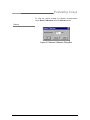
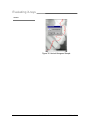
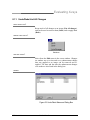
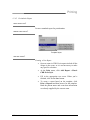
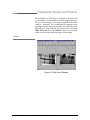
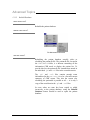
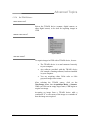
A message box is displayed,
confirming that the mailed exam has
been copied to your CDR database.
Click OK to close this message.
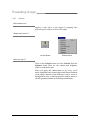
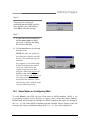
STEP 7
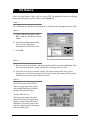
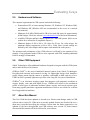
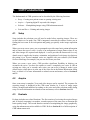
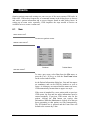
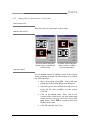
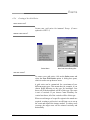
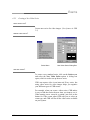
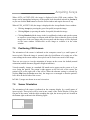
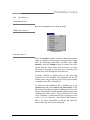
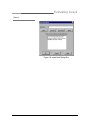
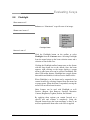
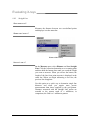
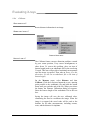
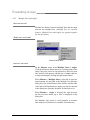
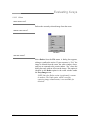
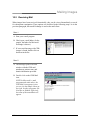
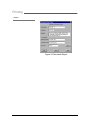
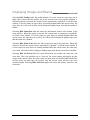
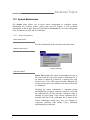
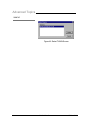
A. If CDR detects that you intend to
add the same exam you added
previously, it displays the dialog
box shown at the right.
B. Click Cancel because you already
have this exam.
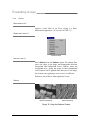
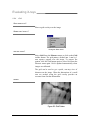
NOTE:The other two options on
this dialog box, Replace and Add
Anyway, are intended for special
situations.
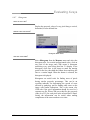
For example, if you inadvertently
deleted an image from a mailed
exam, you could retrieve the
original exam from your mail
program’s Inbox and Replace the
modified exam with the original
one. If you choose Add Anyway, an
extra copy of the CDR exam will
be placed in the database. Please
note that this choice adds the same
exam you added previously.
10.3 Some Notes on Configuring Mail
To work directly with CDR, the mail client must be MAPI-compliant. (MAPI is the
programming standard used by Windows to support e-mail.) Some mail clients (Outlook,
Internet Mail, and Exchange for example) are MAPI-compliant and require no changes in
the CDR.INI file. Other MAPI-compliant programs (Outlook Express, Eudora Light, and
Netscape) do require an additional change in the CDR.INI file, as described below.
CDR User Guide
B1051001 Rev. B
111