1
Printing
11.4 Reports
There are three types of reports that can be printed using CDR:
•
“Classic” Endodontic Style Reports
•
“Classic” Periodontic Style Reports
•
Word Style Template Reports
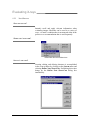
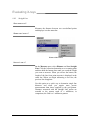
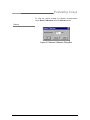
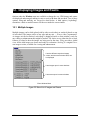
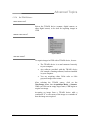
All report styles are available from the Print menu in the exam window. Reports can be
generated after a patient exam is opened. Once the exam is open, you choose between a
default report style, which includes standard wording appropriate to the type of exam, or a
new report style, where the text is entered directly by you. In both default and new report
styles, you can revise the text as needed.
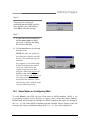
Another advantage to these reports is that when new styles are created, they can be listed as
menu items for quick and easy access, just like the default styles (Endodontic and
Periodontic). Up to 10 new styles of endodontic and periodontic reports can be added.
11.4.1 Endodontic Report
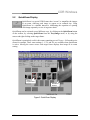
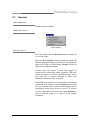
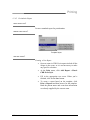
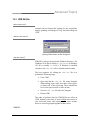
WHAT DOES IT DO?
Creates a standard report for endodontists.
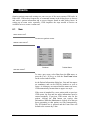
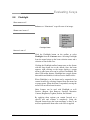
WHERE CAN I FIND IT?
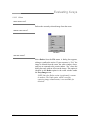
Template Styles
HOW DO I USE IT?
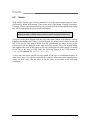
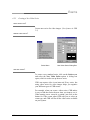
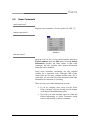
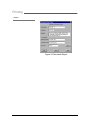
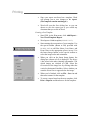
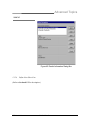
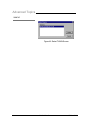
Creating a New Report
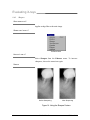
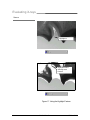
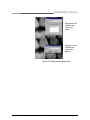
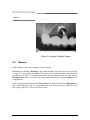
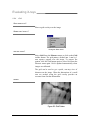
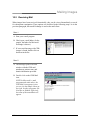
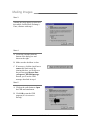
1. Open an exam in CDR and select TWO images.
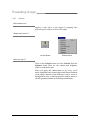
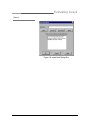
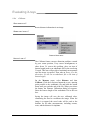
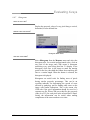
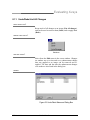
2. At the Print menu, click Add Report >Classic CDR
Endo Style.
CDR User Guide
B1051001 Rev. B
117