1
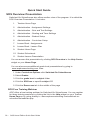
NOTE: You may continue with the installation process, even if not all items meet
minimum standards. You may need to upgrade your hardware or operating
system for SOS to work effectively.
WARNING:
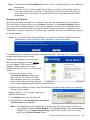
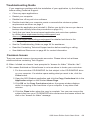
If you have items listed in the Windows System section of this screen, you must
fix them prior to continuing or installation will likely fail. If there is not a “Click
to fix...” link beside an entry, the file must be decrypted. If you need assistance
in doing this, please click the Start button in the lower left corner of your task
bar, and then select Help and Support. This process differs depending on your
operating system.
These applications are installed with SOS:
• Adobe FlashTM Player
•
Crystal Reports
• SOS 2012 SQL 2005 Express Server
Microsoft Internet Explorer (IE) is required but not
included in the SOS install. It should have been
installed when you purchased your computer. You can download IE free by going to
www.microsoft.com. Please contact the seller if you have difficulty with this.
Depending on your operating system, Microsoft®.NET Framework 3.0 maybe installed
along with Microsoft®.NET Framework 4.0, if it’s not already on your computer.
NOTE: This process may take some time depending on the applications that must
be installed.
The server and database are first items installed.
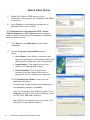
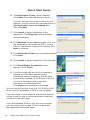
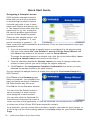
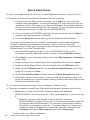
3. The End User License Agreement for
Microsoft SQL Server 2005 displays. Click
the checkbox beside the “I accept...” statement
to continue.
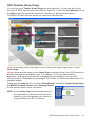
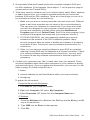
4. The required SQL Server components begin
installing. This takes a few minutes.
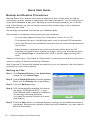
If you have a firewall installed on your computer, you
may be prompted to allow access to an SQL Server
file “sqlservr.exe” during this step of the SQL Server
install. Please allow access for this file.
SOS Home Edition Quick Start Guide
• 7