1
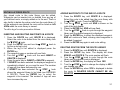
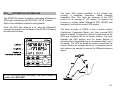
PRESENT POSITION
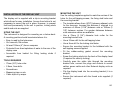
DISPLAY CONTRAST
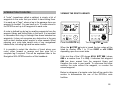
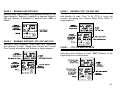
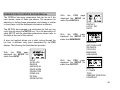
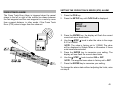
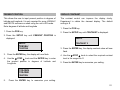
This allows the user to input present position in degrees of
latitude and longitude. It is only required for some LORAN-C
and DECCA receivers or when using the unit in DR mode.
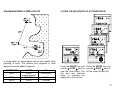
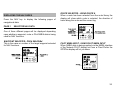
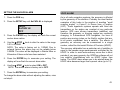
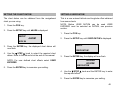
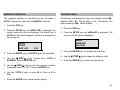
The contrast control can improve the display clarity.
Experiment to obtain the clearest display. The default
setting is 2.
Enter degrees of latitude and longitude
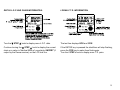
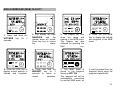
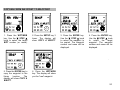
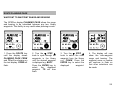
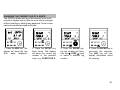
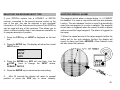
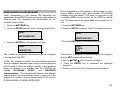
1. Press the POS key.
2. Press the SETUP key until PRESENT POSITION is
displayed.
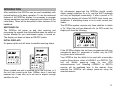
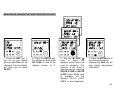
SEtUP
PRESEnt
POSITION
3. Press the ENTER key, the display will now flash.
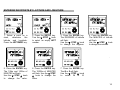
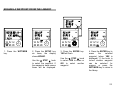
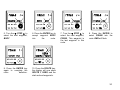
4. Use the ▼ STEP ▲ knob and the ENTER key to enter
the present position in degrees of Latitude and
Longitude.
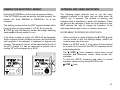
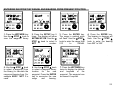
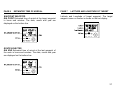
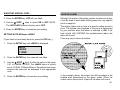
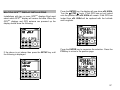
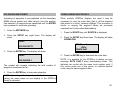
1. Press the POS key.
2. Press the SETUP key until CONTRAST is displayed.
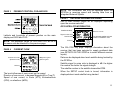
SEtUP
CONTRAST 2
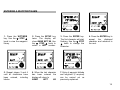
3. Press the ENTER key, the display contrast value will now
flash.
4. Use the ▼ STEP ▲ knob to select the required contrast
level in the range 0 to 3.
5. Press the ENTER key to memorise your setting.
0°00.000N
0°00.000E
POSITION
5.
Press the ENTER key to memorise your setting.
51