1
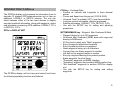
DISPLAYING THE NAV PAGES
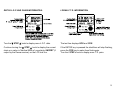
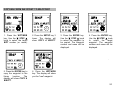
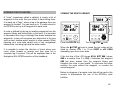
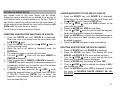
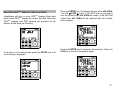
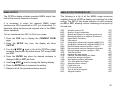
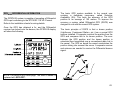
Press the NAV key to display the following pages of
navigational data:
PAGE 1
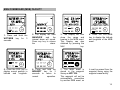
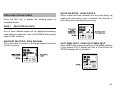
ROUTE SELECTED - USING ROUTE #
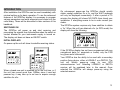
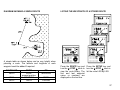
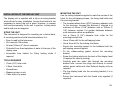
When a route has been selected from the route library the
display will show which route is selected, the direction of
travel along the route and the current leg.
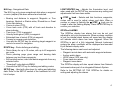
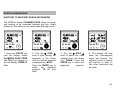
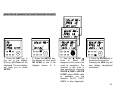
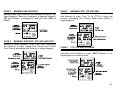
SELECTED NAV DATA
One of three different pages will be displayed depending
upon whether a waypoint, route or Pilot NMEA data is being
used for NAV functions.
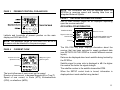
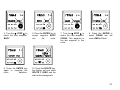
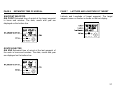
WAYPOINT SELECTED - POINt SELECtEd
This is the name or number of the target waypoint selected
for NAV functions.
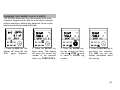
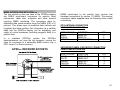
PILOT NMEA INPUT - USING PILOT NMEA INPUT
When NMEA data is being supplied via the NMEA interface
of the Network PILOT display unit from a Chart Plotter the
GPSPlus display will let you know.
35