1
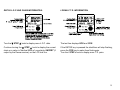
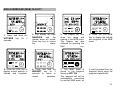
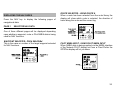
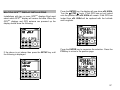
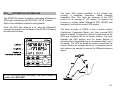
NAV key - Navigational Data
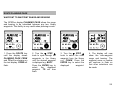
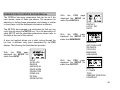
The NAV key only gives navigational data when a waypoint
or route (sailplan) has been entered and selected.
•
•
•
•
•
•
•
•
Bearing and distance to waypoint; Magnetic or True
bearings, Nautical or Statute miles, Rhumb-line or Great
Circle calculations.
Course to steer (CTS).
Cross track error (XTE) with off track and direction to
steer indicator.
Time to go (TTG) to waypoint.
Velocity made good (VMG) to waypoint.
Estimated time of arrival (ETA) at waypoint.
Forward or reverse route selection.
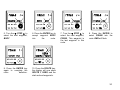
Use with the SETUP key for selecting target waypoint or
route to be used for navigation.
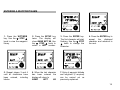
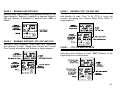
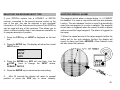
ROUTE key - Route defining and editing
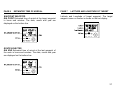
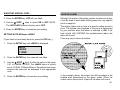
LIGHTS/ENTER key - Adjusts the illumination level, and
when used with the SETUP key memorises any setting and
adjustments that have been made.
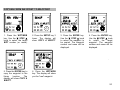
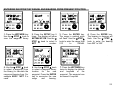
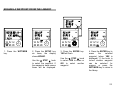
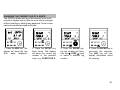
▼ STEP ▲ knob - Selects and lists functions, waypoints,
routes and is used to adjust values and data. When a
number or name is flashing the ▼ STEP ▲ knob can be
turned to alter the flashing display. Press the ENTER key to
confirm your selection.
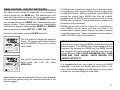
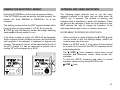
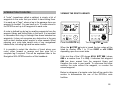
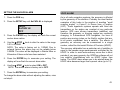
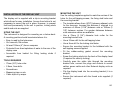
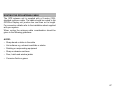
GPSPlus ALARMS
The GPSPlus display has alarms that can be set and
adjusted to suit your requirements. When an alarm condition
is met the internal alarm buzzer will sound and the display
will indicate which alarm has been triggered. When the
GPSPlus is part of a fully integrated Network Instrument
system the alarm conditions will be displayed and sounded
by all Network display units.
Route library for up to 10 routes, with up to 40 waypoints
per route.
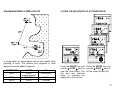
Route planning page gives range and bearing data
between any two library waypoints.
Edit existing routes; insert and delete waypoints from any
selected route.
"Download" route data via NMEA.
Use with the SETUP key for defining and editing routes.
The following alarms can be set and adjusted:
• Waypoint arrival alarm with automatic waypoint advance.
• Anchor watch alarm.
• HDOP alarm (GPS use only).
• Cross track error alarm.
• Waypoint zone alarm.
SETUP key - Used with other keys for setting and adjusting
data. Refer to the SETUP section of the handbook for a full
list of setups.
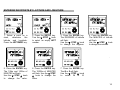
Refer to the SETTING UP THE GPSPlus for details on
setting and adjusting the alarms.
•
•
•
•
•
The GPSPlus display will also repeat alarms from Network
instruments when part of an integrated Network System.
4