1
A.6.7 Starting MultiLink Applications
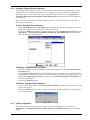
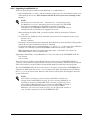
MultiLink services are configured and started during installation. Installation also creates .NCF
and .LNK command files in the bin subdirectory of the product installation directory (e.g.,
SYS:\System\ML\bin). These scripts may be used to execute the following MultiLink GUI applications:
• Configuration Editor (MLconfig.ncf & MLconfig.lnk)
• UPS Status Viewer (UPSview.ncf & UPSview.lnk)
This path (e.g., SYS:\System\ML\bin) is added to the server’s search path during installation so
that the GUI applications may be started from the console by typing the command filename.
The server must be configured to support Java’s GUI (NWGFX) in order to run the GUI applications on the server.
The .LNK files are provided for the convenience of starting the GUI on your NetWare client workstation. To run the applications on the NetWare client, you must have access to SYS:\System\ML.
A.6.8 Notes on Running MultiLink
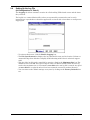
1. When operating properly, MultiLink is running constantly in the background. To verify that
it is doing so, get a list of all active Java programs running through the java -show command
(there should be an entry with ‘Classname’ of ‘com.liebert.dpg.executor.LxM1Executor’ if the
MultiLink service is running).
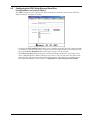
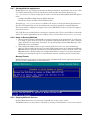
2. The Configuration Editor may be run at either the Novell server or a client workstation.
However, when setting up the log file to track UPS-related events, the Configuration Editor’s
Browse button is operable only when the Configuration Editor is being run at the server. The
Browse button is disabled when the Configuration Editor is opened at a client workstation.
Setting up or altering the log file at a workstation requires specifying the file’s entire path.
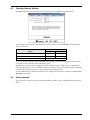
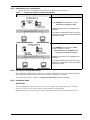
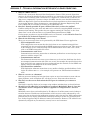
Message Format
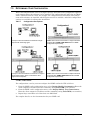
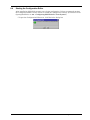
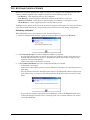
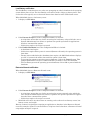
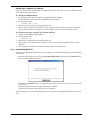
MultiLink notification appears in the format below. The MultiLink console application may display one or two countdown timers simultaneously.
A.6.9 Stopping MultiLink Services
Stop the MultiLink services by entering “LiebertM stop” at the server console.
The MultiLink services may then be restarted by entering “LiebertM start” at the server console.
Operating System Details
47