1
Chapter 3: Featuring Configuration – Web UI
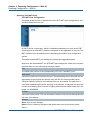
Featuring Configuration – Web UI
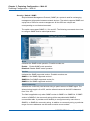
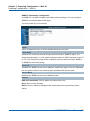
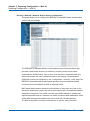
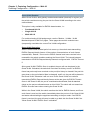
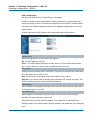
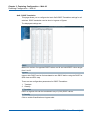
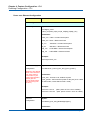
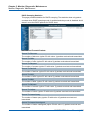
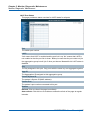
Spanning Tree MSTI Ports
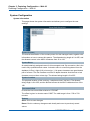
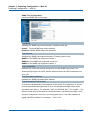
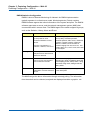
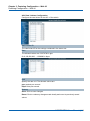
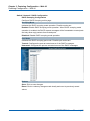
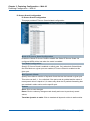
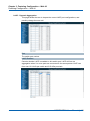
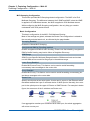
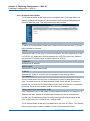
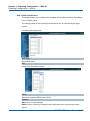
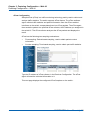
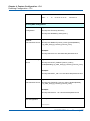
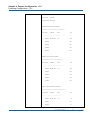
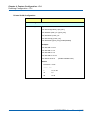
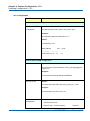
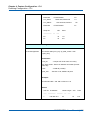
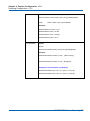
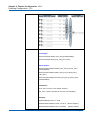
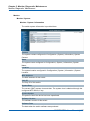
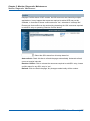
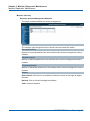
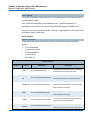
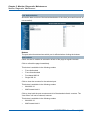
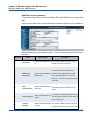
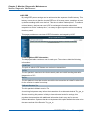
STP MSTI Port Configuration
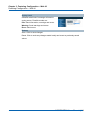
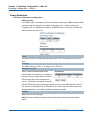
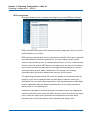
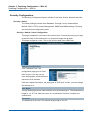
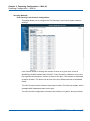
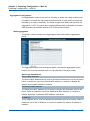
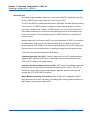
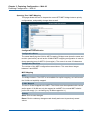
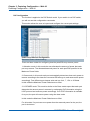
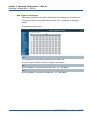
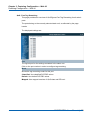
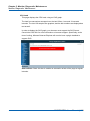
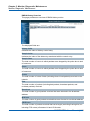
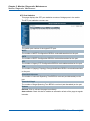
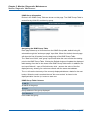
This page allows the user to inspect the current STP MSTI port configurations, and
possibly change them as well.
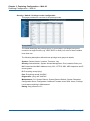
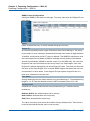
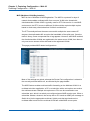
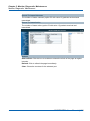
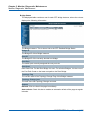
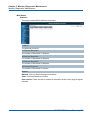
An MSTI port is a virtual port, which is instantiated separately for each active CIST
(physical) port for each MSTI instance configured on and applicable to the port. The
MSTI instance must be selected before displaying actual MSTI port configuration
options.
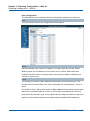
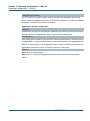
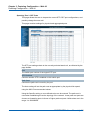
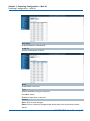
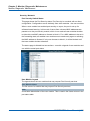
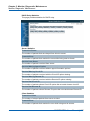
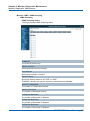
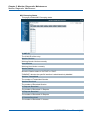
This page contains MSTI port settings for physical and aggregated ports.
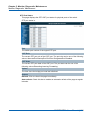
Apart from the selected MSTI, the STP MSTI port settings also relate to the currently
selected stack unit, as reflected by the page header.
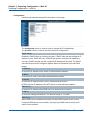
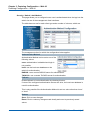
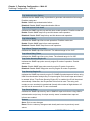
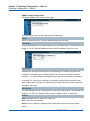
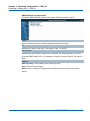
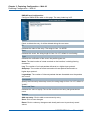
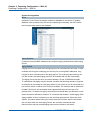
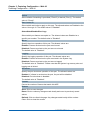
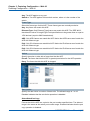
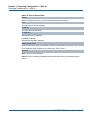
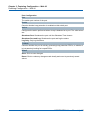
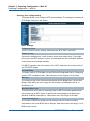
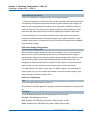
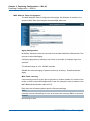
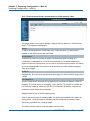
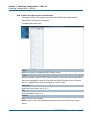
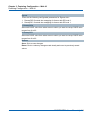
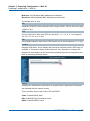
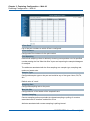
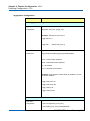
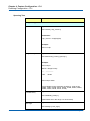
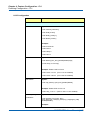
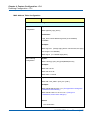
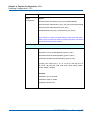
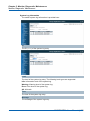
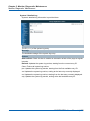
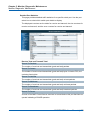
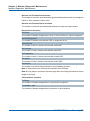
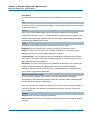
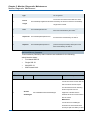
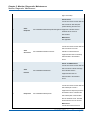
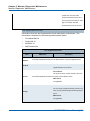
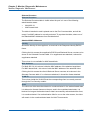
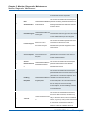
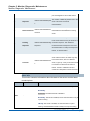
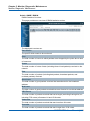
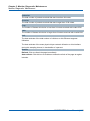
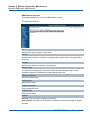
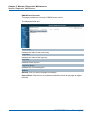
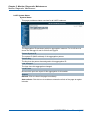
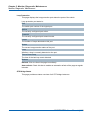
Port
The switch port number of the corresponding STP CIST (and MSTI) port.
Path Cost
Controls the path cost incurred by the port. The Autosetting will set the path cost as
appropriate by the physical link speed, using the 802.1D recommended values.
Using the Specific setting, a user-defined value can be entered. The path cost is
used when establishing the active topology of the network. Lower path cost ports are
chosen as forwarding ports in favour of higher path cost ports. Valid values are in the
range 1 to 200000000.
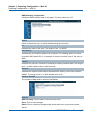
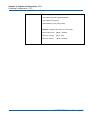
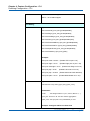
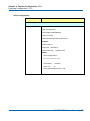
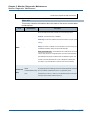
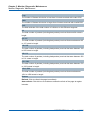
Priority
Controls the port priority. This can be used to control priority of ports having identical
port cost. (See above).
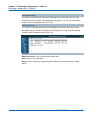
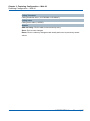
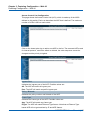
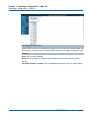
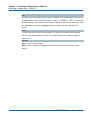
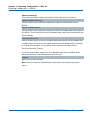
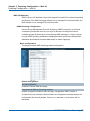
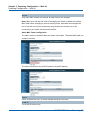
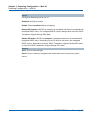
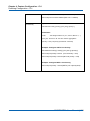
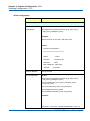
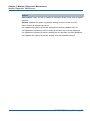
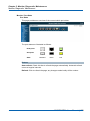
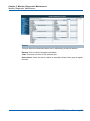
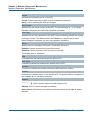
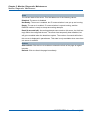
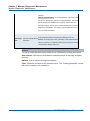
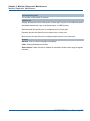
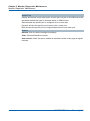
Buttons
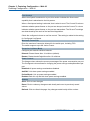
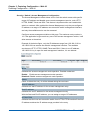
Save: Click to save changes.
Reset: Click to undo any changes made locally and revert to previously saved
values.
NGSME16T2H User Manual | 124