1
Appendix B:
IP Configuration for Your PC
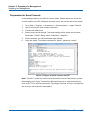
5.
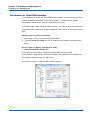
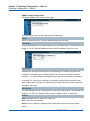
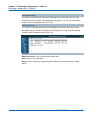
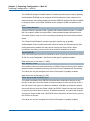
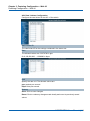
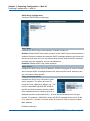
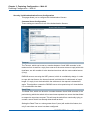
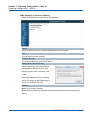
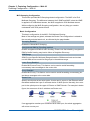
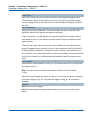
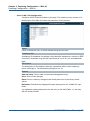
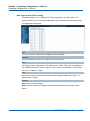
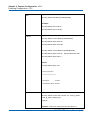
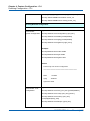
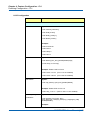
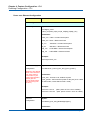
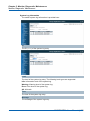
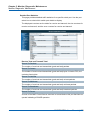
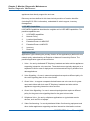
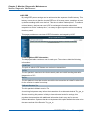
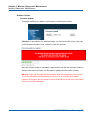
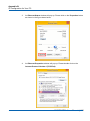
An Internet Protocol Version 4 (TCP/IPv4) Properties window will pop up.
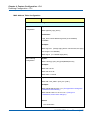
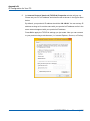
Please set your PC’s IP address and subnet mask as shown in the figure down
below.
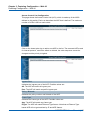
By default, your product’s IP address should be 192.168.2.1.You can set any IP
address as long as it’s not the same with your product’s IP address and is in the
same network segment with your product’s IP address.
Press OK to apply the TCP/IPv4 settings you just made. Now you can connect
to your product using a web browser (i.e. Internet Explorer, Chrome, or Firefox).
NGSME16T2H User Manual | 366