1
Chapter 3: Featuring Configuration – Web UI
Featuring Configuration – Web UI
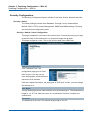
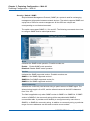
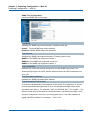
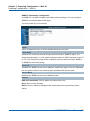
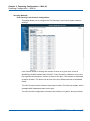
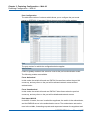
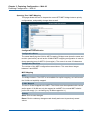
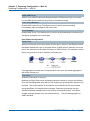
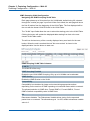
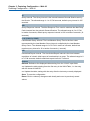
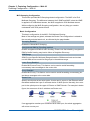
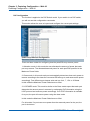
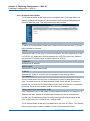
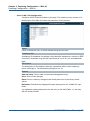
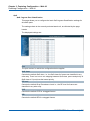
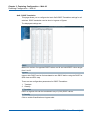
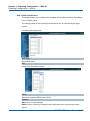
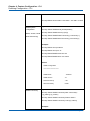
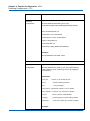
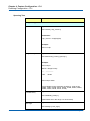
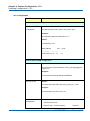
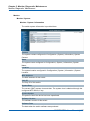
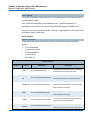
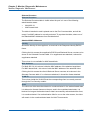
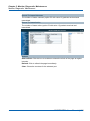
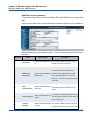
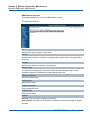
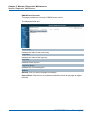
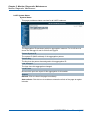
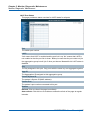
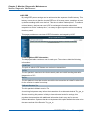
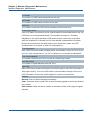
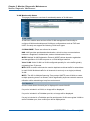
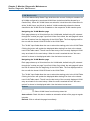
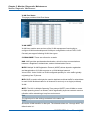
SNMPv3 Community Configuration
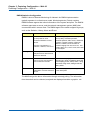
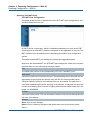
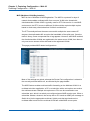
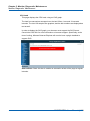
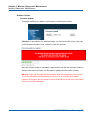
In SNMP V3, it is start to support User Name and its privilege. You can configure
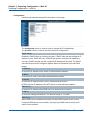
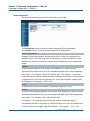
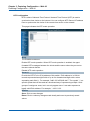
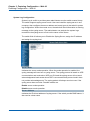
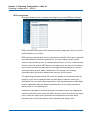
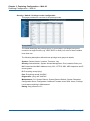
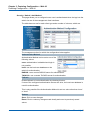
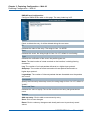
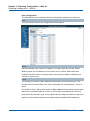
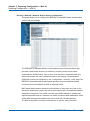
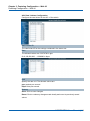
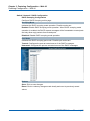
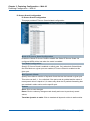
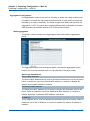
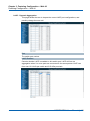
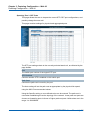
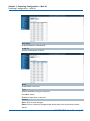
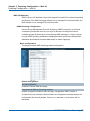
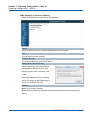
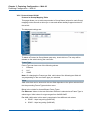
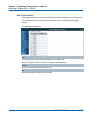
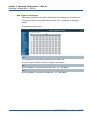
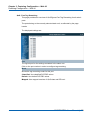
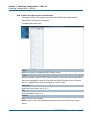
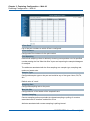
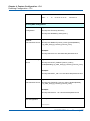
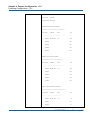
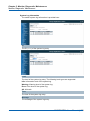
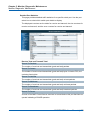
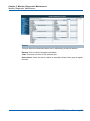
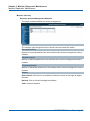
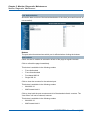
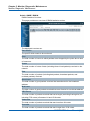
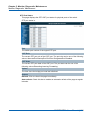
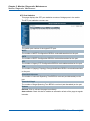
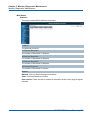
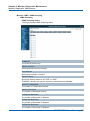
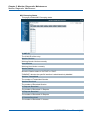
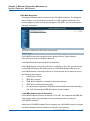
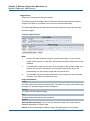
SNMPv3 community table on this page:
The entry index key is Community.
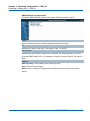
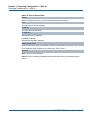
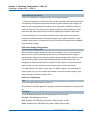
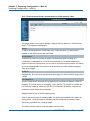
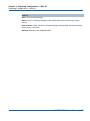
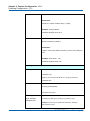
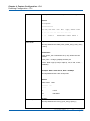
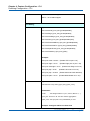
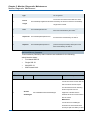
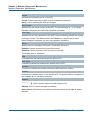
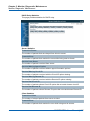
Delete
Check to delete the entry. It will be deleted during the next save.
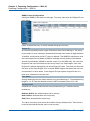
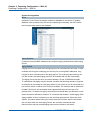
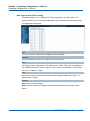
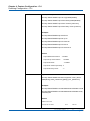
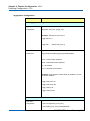
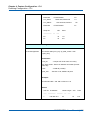
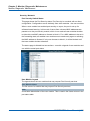
Community
Indicates the community access string to permit access to SNMPv3 agent. The
allowed string length is 1 to 32, and the allowed content is ASCII characters from 33
to 126. The community string will be treated as security name and map a SNMPv1
or SNMPv2c community string.
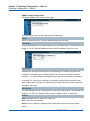
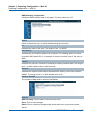
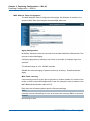
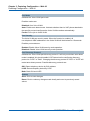
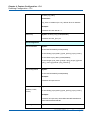
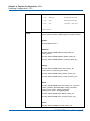
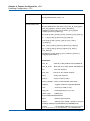
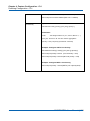
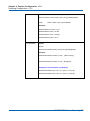
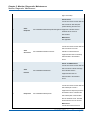
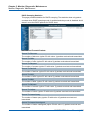
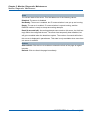
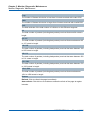
Source IP
Indicates the SNMP access source address. A particular range of source addresses
can be used to restrict source subnet when combined with source mask.
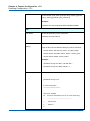
Source Mask
Indicates the SNMP access source address mask.
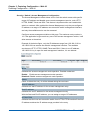
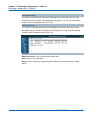
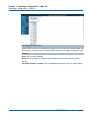
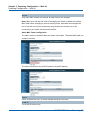
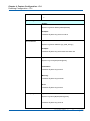
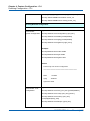
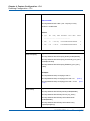
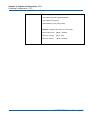
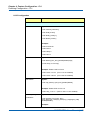
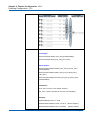
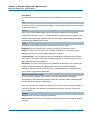
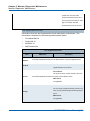
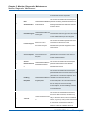
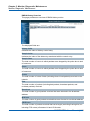
Buttons
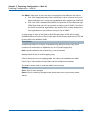
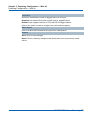
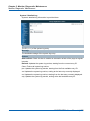
Add new community: Click to add a new community entry
Save: Click to save changes
Reset: Click to undo any changes made locally and revert to previously saved
values
NGSME16T2H User Manual | 53