1
Chapter 3: Featuring Configuration – Web UI
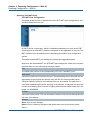
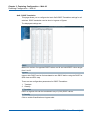
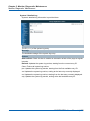
Featuring Configuration – Web UI
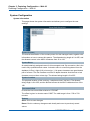
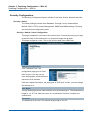
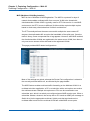
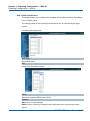
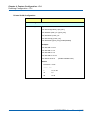
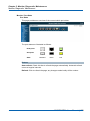
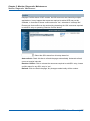
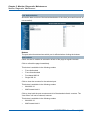
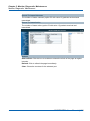
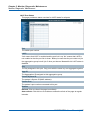
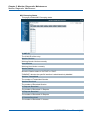
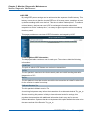
Port Configuration
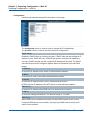
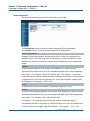
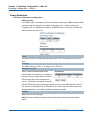
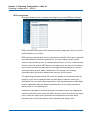
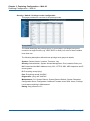
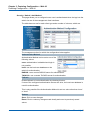
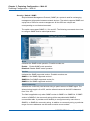
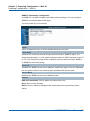
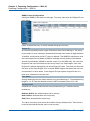
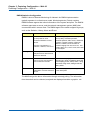
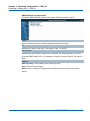
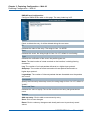
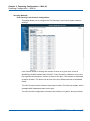
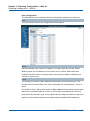
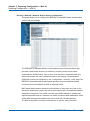
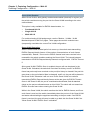
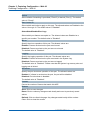
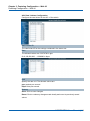
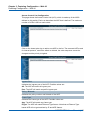
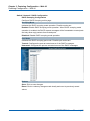
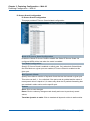
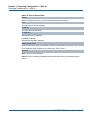
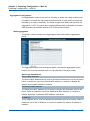
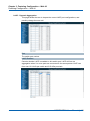
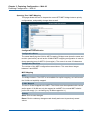
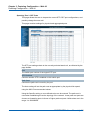
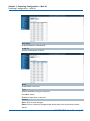
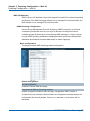
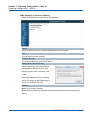
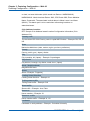
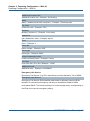
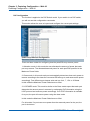
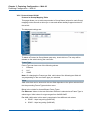
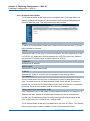
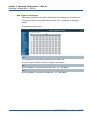
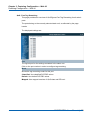
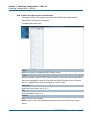
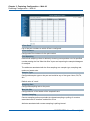
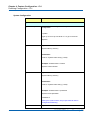
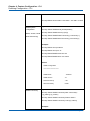
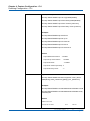
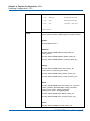
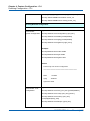
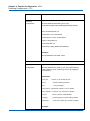
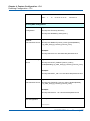
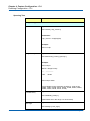
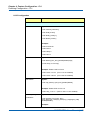
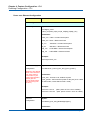
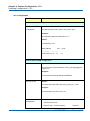
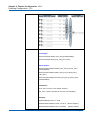
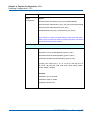
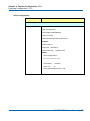
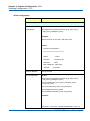
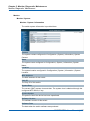
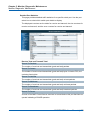
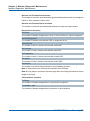
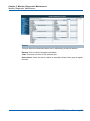
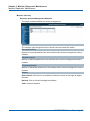
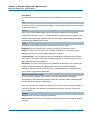
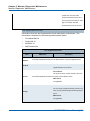
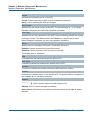
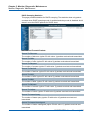
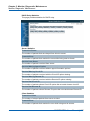
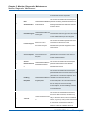
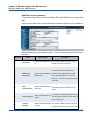
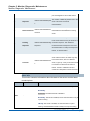
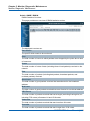
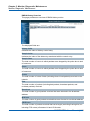
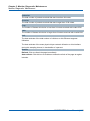
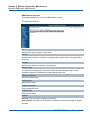
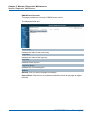
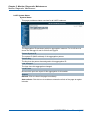
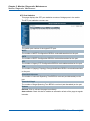
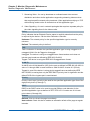
The table allows you to configure the Port Configuration parameters, which are:
Port
The port number to which the configuration below applies.
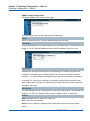
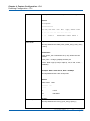
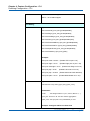
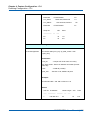
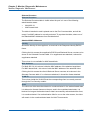
Mode
Controls whether Limit Control is enabled on this port. Both this and the Global
Mode must be set to Enabled for Limit Control to be in effect. Notice that other
modules may still use the underlying port security features without enabling Limit
Control on a given port.
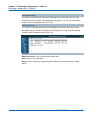
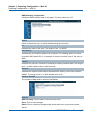
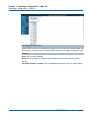
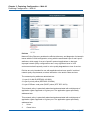
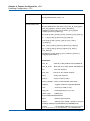
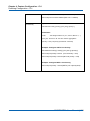
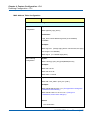
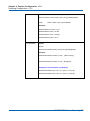
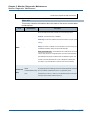
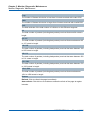
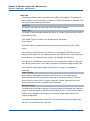
Limit
The maximum number of MAC addresses that can be secured on this port. This
number cannot exceed 1024. If the limit is exceeded, the corresponding action is
taken.
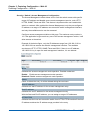
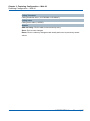
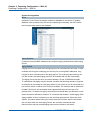
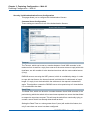
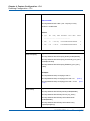
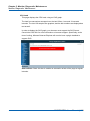
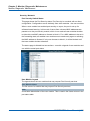
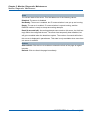
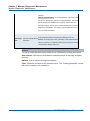
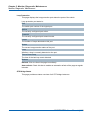
The switch is "born" with a total number of MAC addresses from which all ports draw
whenever a new MAC address is seen on a Port Security-enabled port. Since all
ports draw from the same pool, it may happen that a configured maximum cannot be
granted, if the remaining ports have already used all available MAC addresses.
NGSME16T2H User Manual | 69