1
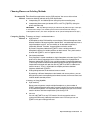
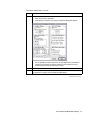
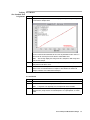
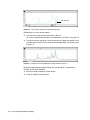
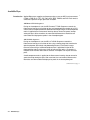
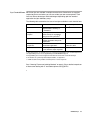
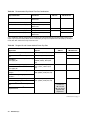
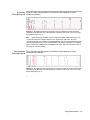
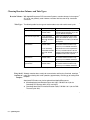
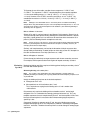
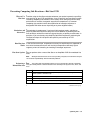
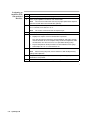
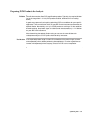
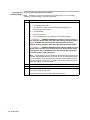
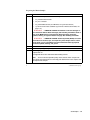
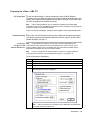
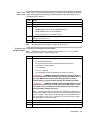
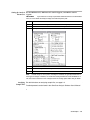
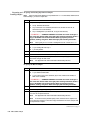
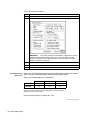
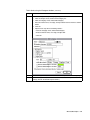
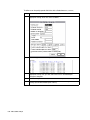
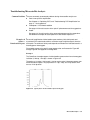
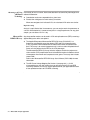
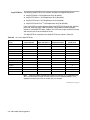
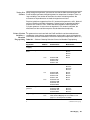
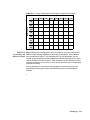
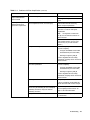
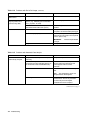
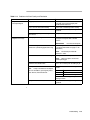
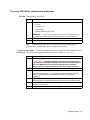
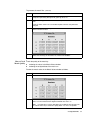
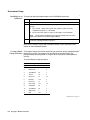
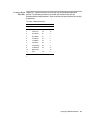
To set the Preprocess Parameters:
Step
5
(continued)
Action
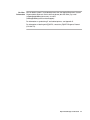
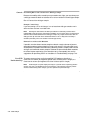
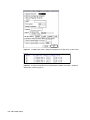
Click OK when done.
Note
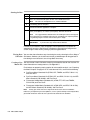
The matrix file must be created previously and saved to the ABI folder,
which is located in the System folder. Refer to Appendix B in the 373 DNA
Sequencing System User’s Manual for instructions on making a matrix. Be sure to
use the Dye Primer Matrix Standard Kit (P/N 401114) and Filter Set A.
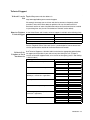
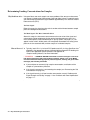
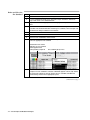
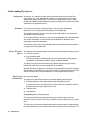
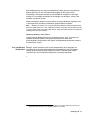
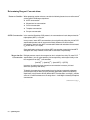
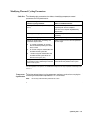
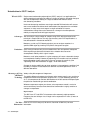
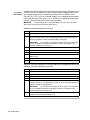
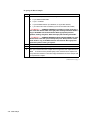
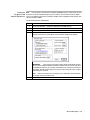
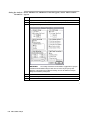
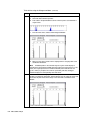
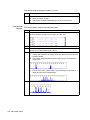
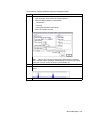
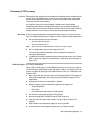
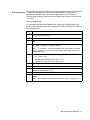
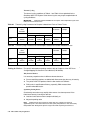
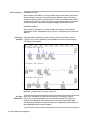
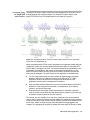
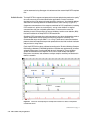
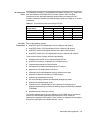
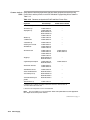
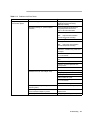
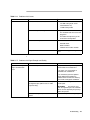
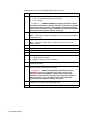
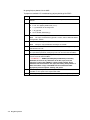
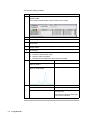
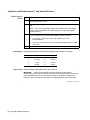
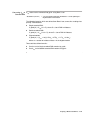
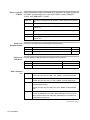
To set the Analysis Parameters:
Step
Action
1
Choose Analysis Parameters from the Analysis menu.
2
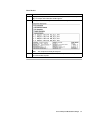
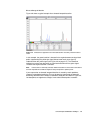
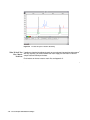
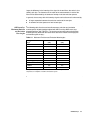
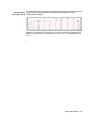
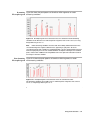
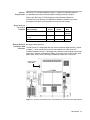
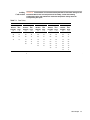
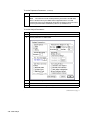
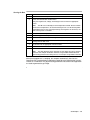
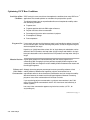
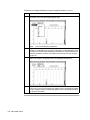
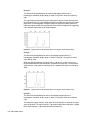
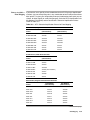
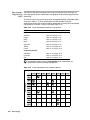
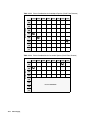
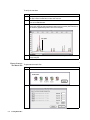
Set the parameters as shown below.
3
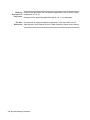
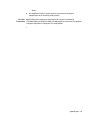
Click the Save Settings button.
4
Click OK when done.
5
Quit the GeneScan 672 Fragment Analysis Software.
continued on next page
7-20 SSCP Analysis