1
CBAS Manual – REV 08-12-2009
© 2009 Computrols, Inc
Programming
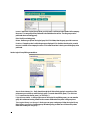
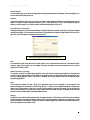
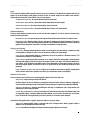
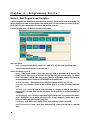
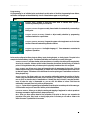
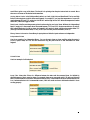
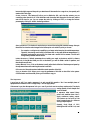
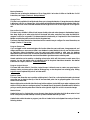
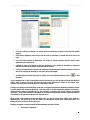
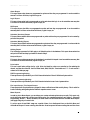
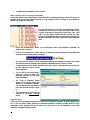
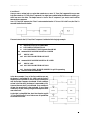
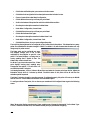
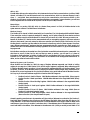
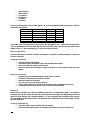
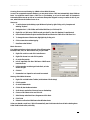
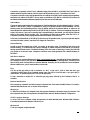
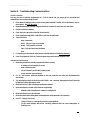
All programming for an individual point can be done from this section of the Point Programming Screen. Below,
each button is displayed and described briefly. Not all of these buttons appear on all point types.
Note: The button to the left is displayed before any programming has been done. The button to the right is displayed after you program the
feature.
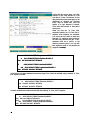
Program Alarm: Program an audio and visual alarm to indicate when a point is
functioning differently than you would like.
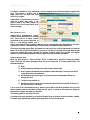
Program Schedule: Program a weekly time schedule for automatically commanding a
binary point.
Program Overtime Schedule: Extend or adjust weekly schedules by programming
overtime schedules for a specific date.
Program Optimum Start/Stop: Program the system so that equipment runs for the least
amount of time while maintaining desired conditions.
Program Logic Sequence: Use English-language, If / Then statements to customize the
sequence of operations.
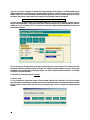
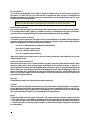
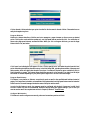
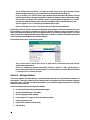
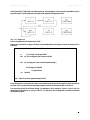
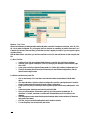
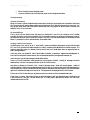
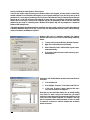
Points can be configured as Binary Outputs, Binary Inputs, Analog Outputs, or Analog Inputs. The point in the
example is a Software Binary Output. The buttons listed below are found only on certain point types.
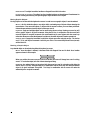
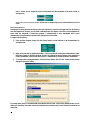
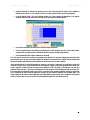
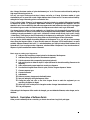
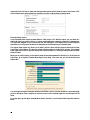
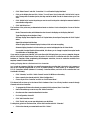
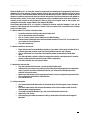
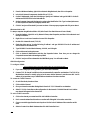
Software/Hardware: Indicates whether points are software or hardware. Hardware points are physically
wired to the controller. Software points include information that affects the functioning of hardware
points. Clicking this button tells you where a point is physically located and how it is configured.
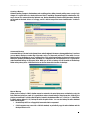
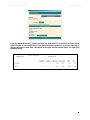
Relay On/Relay Off: Allows you to view and change the units of measurement for the point. Click the
button with the existing unit of measurement. A window with a list of measurement options from which
to select will appear. The buttons will look different for various point types. These buttons are found on
Binary Outputs only.
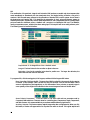
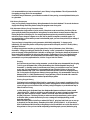
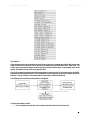
Switch Contacts: For Binary points, you can reverse the relationship between the position of the dry
contact (relay) and the status of the point you are controlling. For example, a relay is normally wired to
turn an AHU on when the relay is commanded on. If instead, the relay is wired in a way that the AHU
turns off when the relay is commanded on, you can click this button to inform CBAS that the
relationship is reversed. Found only on Binary Output points.
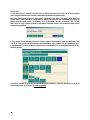
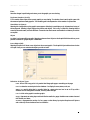
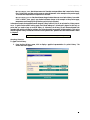
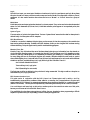
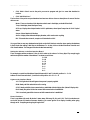
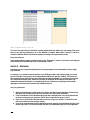
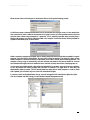
Copy To: Copies all the Programming and parameters from this point to another point of the same type.
Click the button and you will see a list of similar points in the database.
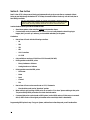
Immediate ON/OFF: Allows you to delay the starting and stopping of equipment in order to spread out
the energy consumption. Applies to Binary Output points only.
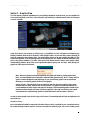
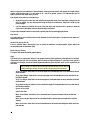
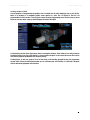
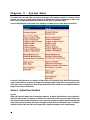
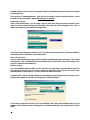
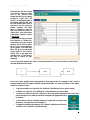
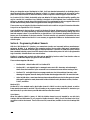
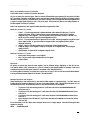
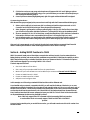
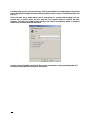
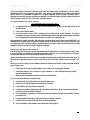
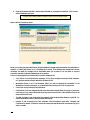
More: Gives you more options based on the properties of the point so that you can customize the
properties of the point. Only found on Analog Input points. From here you can add an offset to the
status of a sensor if you believe it is inaccurate.
43