1
Section 3 - Templates
A template is a duplicate of any Computrols BASNet controller and all its points. It is used in order to save time
when programming multiple controllers used for the same function. For example, if 20 AHUs in a building are
controlled by 20 DDCs with the same points for each, you can create a template with the first DDC you program
and then select that template for the other 19.
Opto controllers cannot be saved as templates, but can be copied. To do so, go to the Database Menu, and then
click Copy an Opto Controller. Follow the prompts.
Selecting a Template
To select a template:
1.
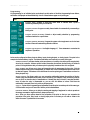
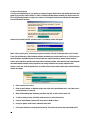
First, add a controller. In the final step, click USE A TEMPLATE TO CREATE THE NEW
CONTROLLERS DATABASE.
2.
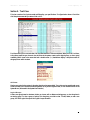
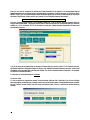
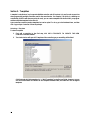
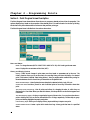
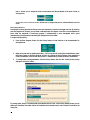
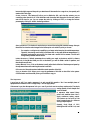
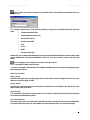
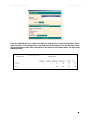
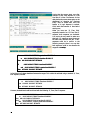
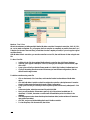
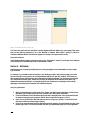
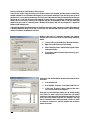
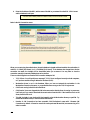
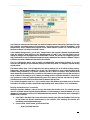
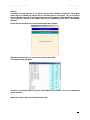
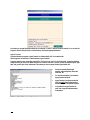
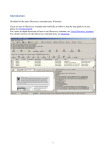
The window below will open. All Templates of the controller type you are adding will be listed.
CBAS automatically finds templates in C:\CBAS\Templates\[controller type] folder. However, you can
click the Browse button and browse to the Template Database folder, and CBAS will find all eligible
templates.
28