1
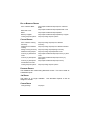
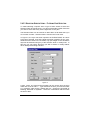
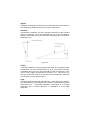
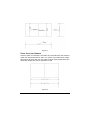
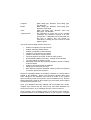
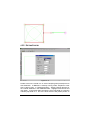
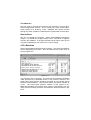
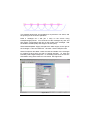
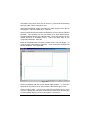
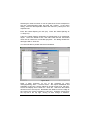
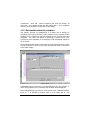
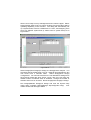
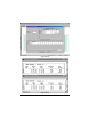
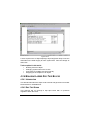
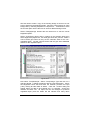
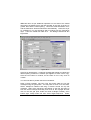
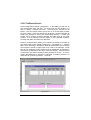
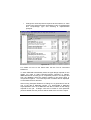
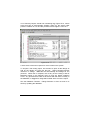
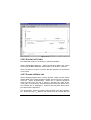
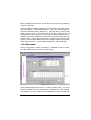
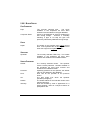
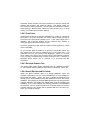
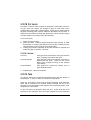
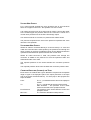
Edit the tolerances as required. Tolerances indicate the limits to which
IRRICAD will recognize that an item may want to be snapped.
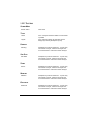
5.9.1.2 TOLERANCES
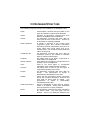
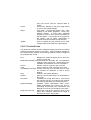
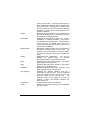
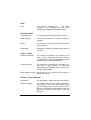
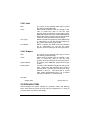
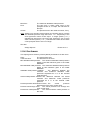
Snap Tolerance:
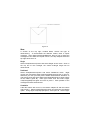
The distance to which an item will be connected
to a like item (Drawing or Hydraulic) in inches or
mm on the screen.
Min Tolerance:
Indicates the minimum distance in world terms
(ft or m) that an item will need to be placed on
the screen in order to be connected to another
hydraulic item.
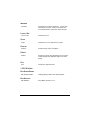
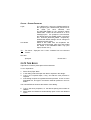
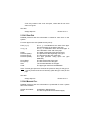
Max Tolerance:
Indicates the maximum distance in world terms
(ft or m) that an item will need to be placed on
the screen in order to be connected to another
hydraulic item.
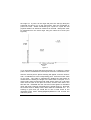
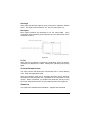
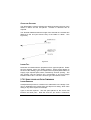
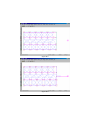
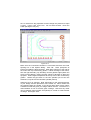
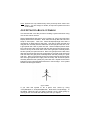
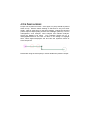
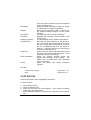
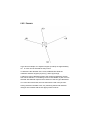
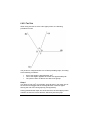
Cut Pipe Tolerance:
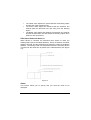
The distance to which cut pipe will connect to
the pipes it crosses or to the end of pipes /
laterals in mm or inches on the screen. In this
case, if your cut pipe tolerance is 0.2 inches, but
in your design you have laterals 0.1 inches
apart, then only every second lateral will be
connected to the submain.
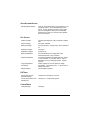
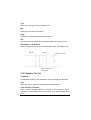
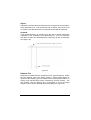
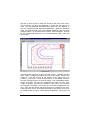
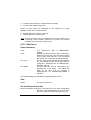
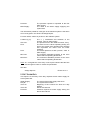
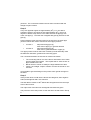
Cut Pipe Length Factor: This factor is used along with the Cut Pipe
Tolerance to determine if the cut pipe is close
enough to the ends of laterals to be connected
to them. This factor is used as a proportion of
the total length of the cut pipe and is not related
to the zoom state. The greater of the Cut Pipe
Length Factor multiplied by the total length of
the cut pipe or the world value of the Cut Pipe
Tolerance is used to determine if the ends of
laterals are close enough to snap to.
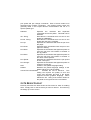
See also:
Settings
Snaps - Right-Click menu
Section 5.9
Section 5.1.8
5.9.2 LAYERS
Everything you draw in IRRICAD is placed on a layer of your drawing.
5-120 • Tool & Command Reference
IRRICAD Reference Guide