1
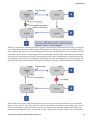
Dial-Out Scenario Configuration
10.10.2 Configuring a Microsoft Windows PC as a PPP Server
To successfully configure the Windows PC as a Server you should already have a modem installed.
Refer to the user manual of the modem used for instructions on how to properly install the modem.
Then follow the steps below. The PC must be configured to accept incoming connections and set to
enable RIP.
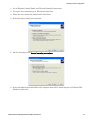
1. To add RIP listener as one of the enabled windows components go to Windows Control Panel.
2. Click on Add or Remove Programs.
3. Click on Add/Remove Windows Components.
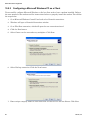
4. Highlight Networking Services and click on the Details button.
5. Check the RIP Listener check box and click OK. Click Next then Finish.
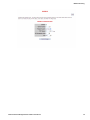
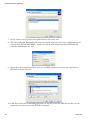
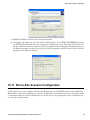
Next, a new incoming connection must be configured so the PC knows to answer the PPP connection. To
set up the incoming connection use follow the following steps.
96
Sixnet, LLC