1
Scheduling
7.2
Scheduling
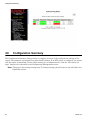
When choosing how to handle lower priority data, the switch can use strict or fair scheduling. This
choice affects all queues on all ports.
With strict scheduling, all data in the highest priority queue will be sent before any lower priority data,
then all data from the second highest priority, and so on. This assures that high-priority data always
gets through as quickly as possible.
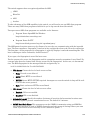
With fair scheduling, a round-robin algorithm is used, weighted so that more high-priority than lowpriority data gets through Specifically, the switch will send eight frames from the urgent queue, then
four from the expedited queue, two from the normal queue, and one from the background queue, then
start over with the urgent queue. This assures that the lower priority queues will not be starved.
7.3
QoS / CoS Settings
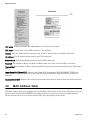
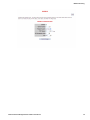
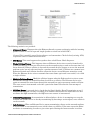
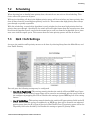
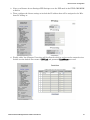
Access to the switch's traffic priority menus can be done by selecting Setup from the Main Menu, and
then Traffic Priority.
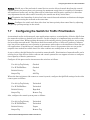
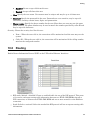
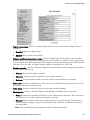
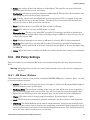
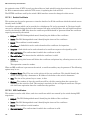
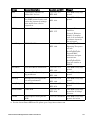
For each port, the following settings may be configured:
•
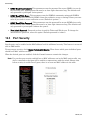
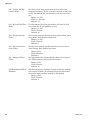
Use 802.1p Tag Priority: This setting controls whether the switch will honor IEEE tags if present in frames. When enabled, tagged data will be routed to an outbound priority queue based on
the configure tag mapping (See below). Disable this setting to ignore IEEE tags on all in-coming
frames.
•
Use IP ToS/DiffServ: This setting controls whether the switch will honor priority fields in the IP
header. When enabled, and not overridden by an IEEE tag, data will be routed to an outbound
priority queue based on IPv4 Type of Service or IPv6 Traffic Class. The priority queue will be the
IP priority field value divided by 64. Disable this setting to ignore IP priority fields.
Industrial Ethernet Managed Switch Software User Manual
65