1
Introduction
1.1 Introduction
1
1.1 Introduction
This manual has been designed to fit the way users say they work. It is set up logically,
focusing on different areas of the program in the order that they will most likely be used.
The emphasis is on getting the job done in the easiest and most efficient way possible.
This manual was also written under the assumption that the DPCTrack2 program being
used is a full program, including all calibration and system security features. In addition,
it is assumed that the reader has been given access to all areas of the program, however,
this may not be the case. If you notice that the company name, menu items, speed
buttons, screen options, etc. are grayed out, either the program you purchased did not
include those features or your User ID has not been granted access to those areas of the
program.
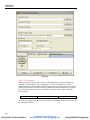
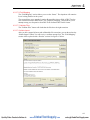
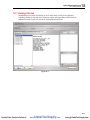
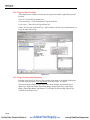
The initial content of this manual will provide you with an overview of how to get started
with the software installation instructions, logon procedures and standard screen features.
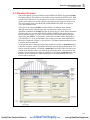
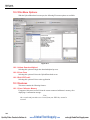
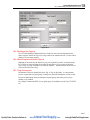
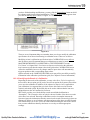
All screens have a uniform look with similar speed buttons and menus, making it easy for
you to adapt to the system quickly.
Each subsequent chapter individually addresses one of the program’s screens or major
functions. In each of these chapters you will find a full description and explanation of the
screens features, as well as detailed, hands-on operating instructions.
The online help system included with DPCTrack2 is full of useful information, similar to
that provided in this manual. It is available at all times when using the program, either by
accessing the Help menu, left-clicking the speed buttons labeled as such, or by pressing
the “F1” key.
1-3
Quality Fluke Products Online at:
www.
GlobalTestSupply.com
[email protected]