1
Creating Filters
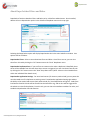
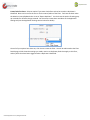
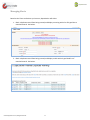
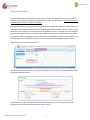
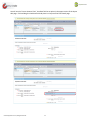
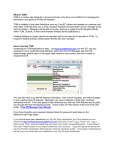
The first step in identifying and blocking duplicates is to set Filters and Rules. Click on the DupeCatcher
Filters tab from the DupeCatcher home page, then click “New” in the Recent DupeCatcher Filters area.
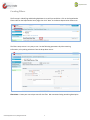
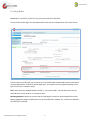
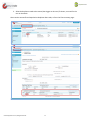
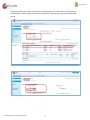
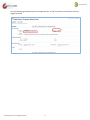
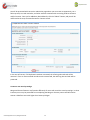
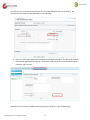
The Filters setup screen is very easy to use. Set the following parameters by either entering
information, or by making selections from the drop down menus:
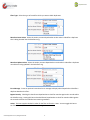
Filter Name: Create your own unique name for the filter. We recommend using something descriptive.
© 2012 Symphonic Source, All Rights Reserved
5