1
TA Select 4
10. Additional Tools
10.5. Unit Conversion
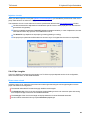
The Unit conversion tool is used to simply and quickly convert a value given in one unit type into another unit.
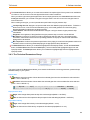
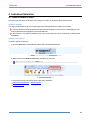
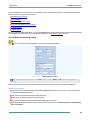
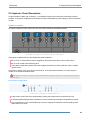
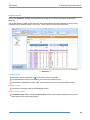
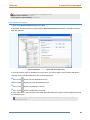
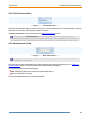
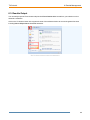
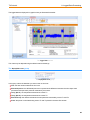
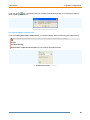
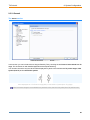
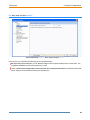
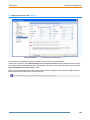
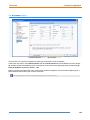
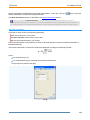
The Unit conversion button in the Tools ribbon
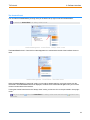
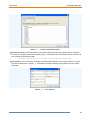
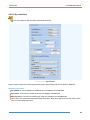
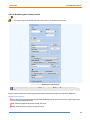
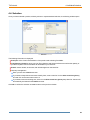
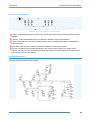
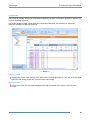
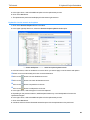
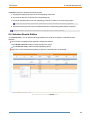
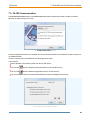
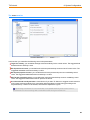
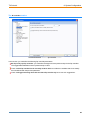
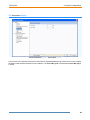
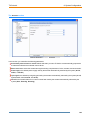
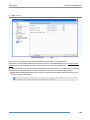
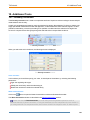
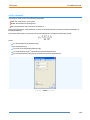
When you select this tool in the ribbon, the following window is displayed:
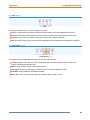
The Unit conversion window
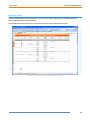
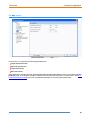
In this window:
Physical Type: select the type of physical units you want to convert between (pressure, flow, thickness,
area...).
Unit: select one unit on the left and another one on the right.
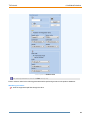
Value: enter a value either in the left with the first unit or in the right with the second unit. The other value is
automatically calculated using the other unit as illustrated.
117