1
TA Select 4
5. Hydronic Project Calculation
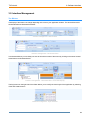
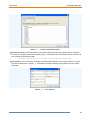
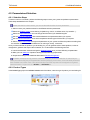
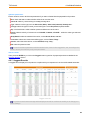
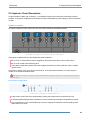
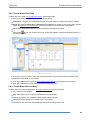
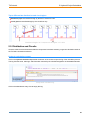
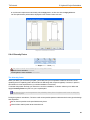
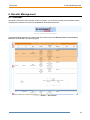
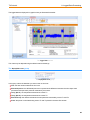
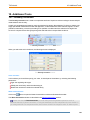
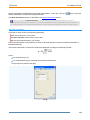
Drag copy: to copy a setting in the following adjacent cells at once.
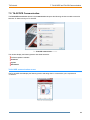
Click on the cell you want to copy (it should be editable).
The cursor changes into an open hand.
Click on the cell again and do not release the mouse button.
The cursor changes to a closed hand as illustrated.
Move the cursor down over the cells you want to replace with the selected value.
Release the mouse button.
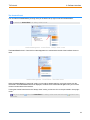
All cells are replaced with the selected value. These cells are now locked by default.
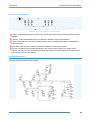
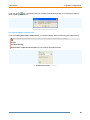
Drag copy operation and specific cursor
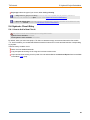
5.6. Advanced Project Configuration
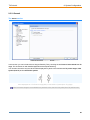
5.6.1. Overview
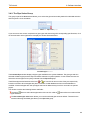
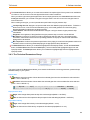
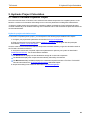
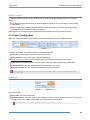
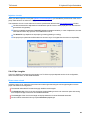
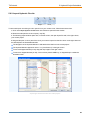
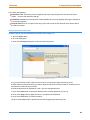
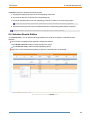
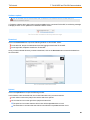
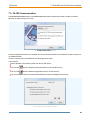
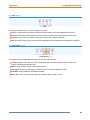
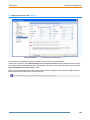
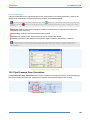
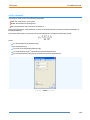
When you create a new project, some setup is required via the different groups of the Project ribbon.
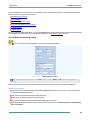
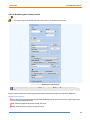
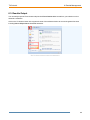
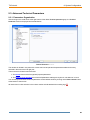
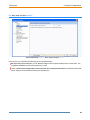
The Project ribbon
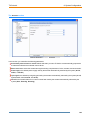
The basic configuration in the following groups is described in the Project Configuration:
Project Info: enter the project, plant, and customer information.
Project parameters: select some project high level parameters.
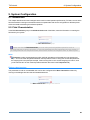
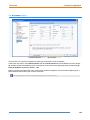
The advanced project configuration in the following groups is described in this chapter:
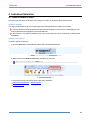
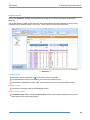
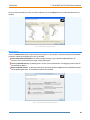
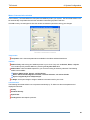
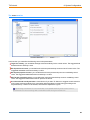
Tools: launch some additional tools:
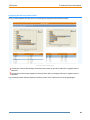
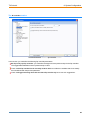
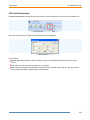
Check hydronic circuit calculation: to check the circuit compliance with your settings after an automatic
recalculation following any change.
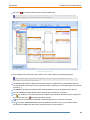
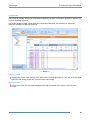
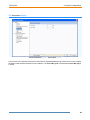
Import hydronic circuits: to import existing circuits or parts of them into the current circuit.
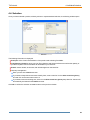
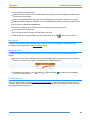
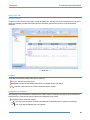
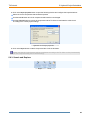
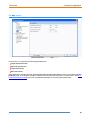
Search and Replace: to automatically search and replace pipe and/or hydraulic circuits within your project.
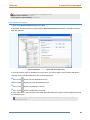
Diversity Factor: to apply a diversity factor to your whole project or to a part of it.
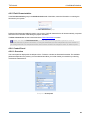
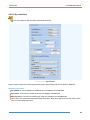
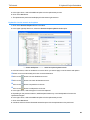
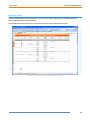
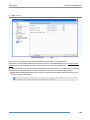
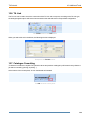
Fluid characteristics: enter the characteristics of the fluid used in your circuit.
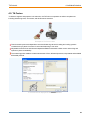
Measurement period: enter the measurement period when using a TA Scope.
62