1
TA Select 4
5. Hydronic Project Calculation
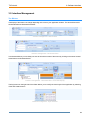
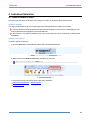
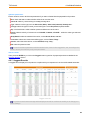
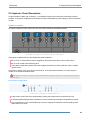
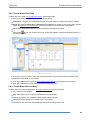
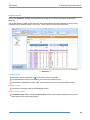
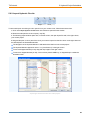
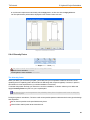
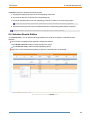
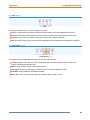
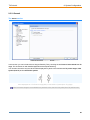
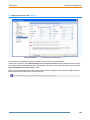
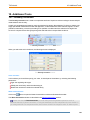
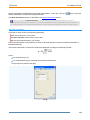
Columns display buttons (next to the column title grey boxes):
: click to expand the corresponding group and display more columns and data in the table.
: click to collapse the corresponding group and display fewer columns and data in the table.
: click to expand all the groups.
: click to collapse all the groups.
Editing
The project must be set as follows prior to using this function:
- Hydronic circuit calculation activated.
- Freeze hydronic circuit calculation unchecked.
You can edit some data in your circuit. The whole circuit will be automatically calculated again in real time.
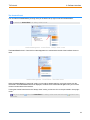
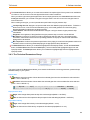
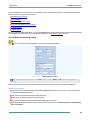
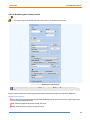
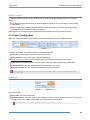
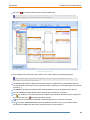
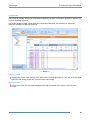
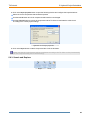
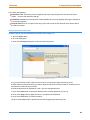
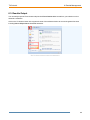
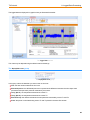
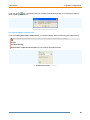
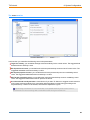
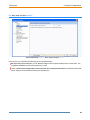
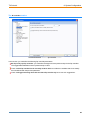
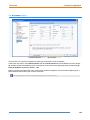
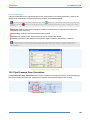
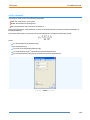
Right-click on a line to open the contextual menu illustrated hereunder, and access the following commands.
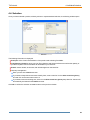
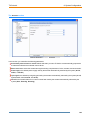
Edit: to edit the circuit and open the corresponding Circuit Wizard Second Step window.
Lock and Unlock: to lock and unlock a circuit or a set of circuits. A locked setting will not be changed during
a calculation.
Copy and Paste: to copy and paste the selected circuit.
Delete: to remove the selected circuit.
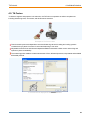
Edit accessories: to edit the accessories linked to the selected component (if relevant).
Only for valve components:
Quick reference sheet: open the pdf quick reference sheet for this product.
Full catalogue sheet: open the pdf catalogue sheet for this product.
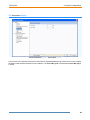
The editing contextual menu
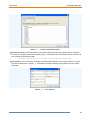
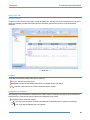
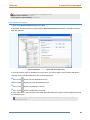
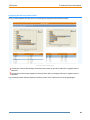
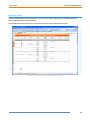
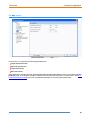
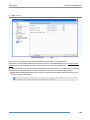
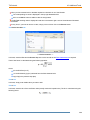
Double-click on a circuit: to edit the circuit (same as the Edit command in the context menu).
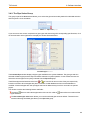
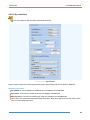
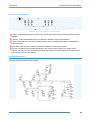
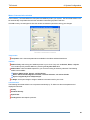
: (editable column) click on any setting in that column to select a new value via a drop-down list.
: (editable column) click on any setting in that column to enter a new text in the text box.
61