1
5.
L-5500 Configuration
This section explains status information and configuration options available on all HTML
pages.
5.1.
General Instructions
The following instructions are common to all HTML pages
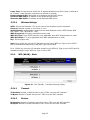
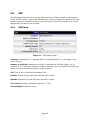
The Help, Home and Reset links are located at the top right of all HTML pages.
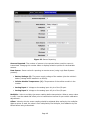
Help: Select this link on any of the devices configuration pages to bring up the help text for
that screen.
Home: Select this link to return to the home page of the modem.
Reset: Select this link to command the unit to reboot. This process will take about 40
seconds. The software will ask you to confirm this command prior to re-booting.
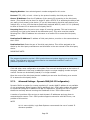
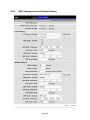
Save: Most changes to a configuration parameter require the user to click save before the
change will take effect.
Clear/Cancel: Most configuration menus also have a “Clear/Cancel” option. Selecting this
button will restore all fields in a section to their last saved value. Note: This does not return
them to their factory defaults.
5.2.
Home Page Parameters
The L-5500 cellular modem home page lists the unit’s primary operating parameters and
status. Configuration changes cannot be made from this page.
Page 18