1
Help
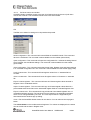
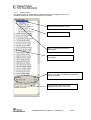
Contact information and disclaimer is available in the help menu.
11.2.3
Online help
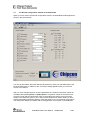
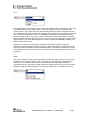
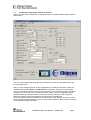
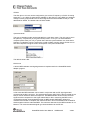
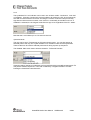
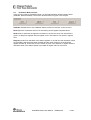
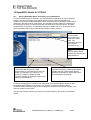
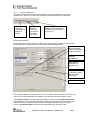
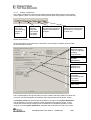
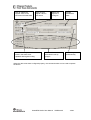
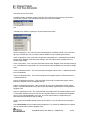
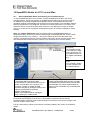
SmartRF® Studio for CC2420/2430 provides online help through so-called tool-tips. By
moving the cursor over a field (e.g. a button or a text field) and holding it in the same position
for about half a second, the text will appear in a yellow box slightly below the cursor.
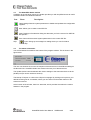
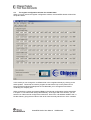
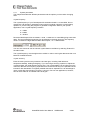
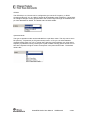
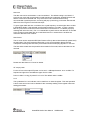
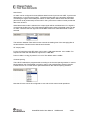
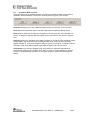
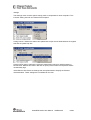
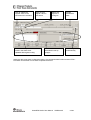
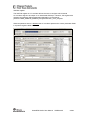
Tool-tip for Packet TX
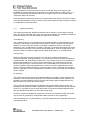
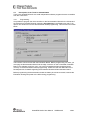
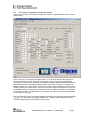
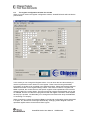
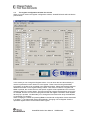
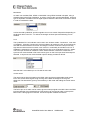
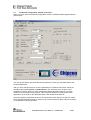
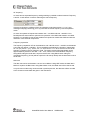
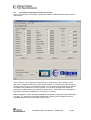
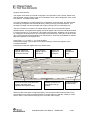
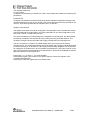
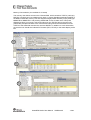
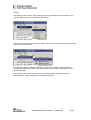
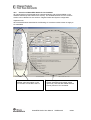
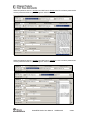
Warnings are indicated by turning the relevant control(s) yellow. One such warning will
appear when choosing a non - IEEE 802.15.4 frequency channel in Normal View. As a result
only TX Test mode will work in Normal View.
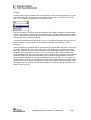
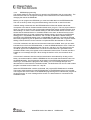
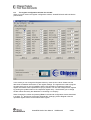
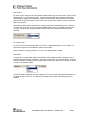
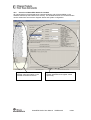
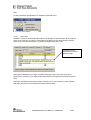
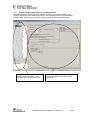
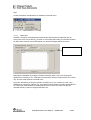
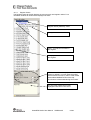
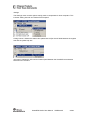
Errors are indicated by turning the relevant control(s) red. Try for instance to enter a non IEEE 802.15.4 frequency channel (e.g.: 2407 MHz) in Normal View and select Packet RX/TX.
As a result the status window for Packet RX/TX will turn red to inform the user that the
selected frequency does not support IEEE 802.15.4.
SmartRF® Studio User Manual
SWRU070B
83/99