1
Chapter 4. Formatting printing receipt
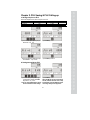
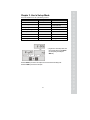
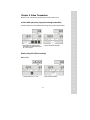
This chapter explains how to set the receipt format in the following fields.
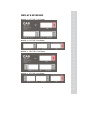
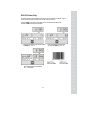
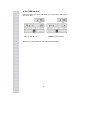
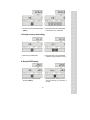
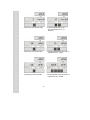
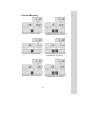
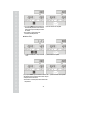
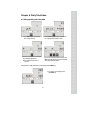
To get into “Printing format Setup mode” Press ON/OFF key pressing and holding C key.
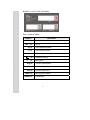
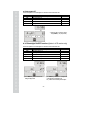
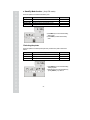
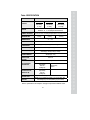
Options
HEADER
UNIT
(Currency)
DATE
Description
Remarks
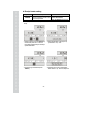
To input characters you wish to have on the Maximum 1,2 line / 24 characters,
receipt header.
3 line / 16 characters for each line
To input currency symbol or characters you
Maximum 8 characters
wish to have on the receipt.
To input date on the receipt.
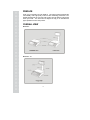
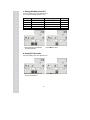
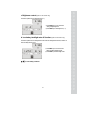
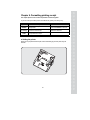
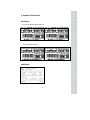
a. Setting the printer
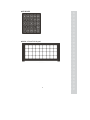
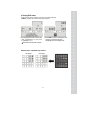
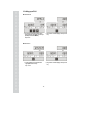
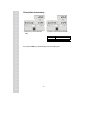
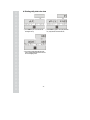
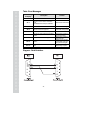
Please connect your printer to the RS-232 port, which is located at the gray part on the picture, using RS232 cable.
25