1
Chapter 3
Software Tutorial
3.3 Configuration
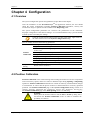
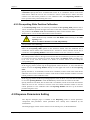
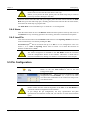
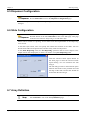
It is mandatory to reset the configuration parameters, particularly to perform Position
Calibration to ensure the system functions correctly whenever any of the following occur: a
new system is installed, the system is moved, or changes are made to the hardware or software.
The configuration parameters are set to defaults immediately after installation. Users can
check them, with help from technical support if necessary. Please refer to Chapter 4 for more
details.
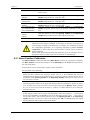
3.4 Position Calibration
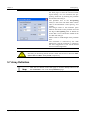
Position Calibration defines key positions for the operation of the instrument. It must be
performed before any printing job. Please refer to 4.2 for more details.
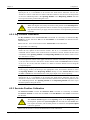
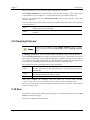
3.5 Printing Preparation
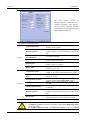
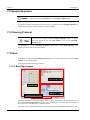
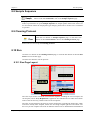
Click the Prepare button on the left Task Panel to turn to Prepare
page.
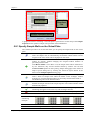
On the Prepare page the user can send commands to the instrument to rinse, dry, sonicate and
exhaust the pins or nozzle, to switch decks or modules, and to send the Robotic Arm to the
home position.
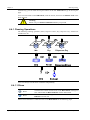
Users can load an existing stand alone Cleaning Protocol to simplify the daily routine as
follows:
Input the path name of the protocol file in the text box, or click the Open
Step 1
button to browse and select.
Step 2
Click Start button.
Step 3
The progress bar indicates the task is running
Step 4
Wait for the task completion or click the Stop button to break it.
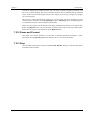
You can set up a wash protocol on the Clean page and save it for later use. The wash protocol
can be complex. Please refer to 5.9, 6.9, 7.9 and 8.9 for detailed operations.
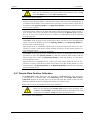
3.6 Program
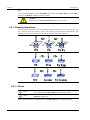
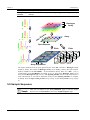
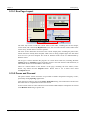
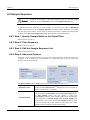
In order to plan a printing run, the following steps and corresponding command interfaces are
involved:
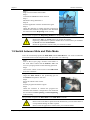
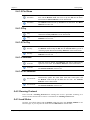
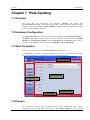
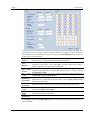
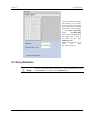
Available in the Spotting mode. For you to specify the amount of Pins
on the Pin Holder and the pattern in which the Pins are arranged.
Please refer to sections 5.5 and 7.5 for instructions.
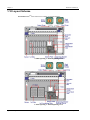
Available in the Dispensing mode. Only 1 nozzle can be applied to
the PersonalArrayerTM 16. Please refer to sections 6.5 and 8.5 for
instructions.
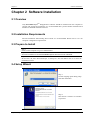
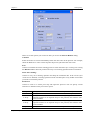
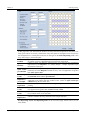
Available in Slide Spotting or Slide Dispensing mode. For you to
specify the printable area on the slides, the number of slides, the start
slide, and the number of pre-spotting slides (in Slide Spotting mode).
Please refer to sections 5.6 and 6.6 for instructions.
CapitalBio Corporation
- 24 -
PersonalArrayerTM 16