1
SmartSync Pro Interface
3.10
61
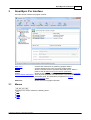
Compare Files
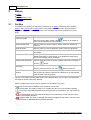
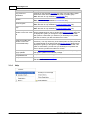
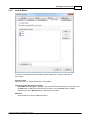
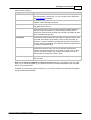
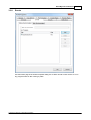
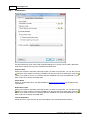
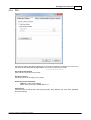
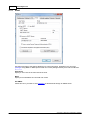
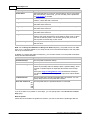
The Compare Files dialog box displays the list of files. New files appear in blue, modified files are in
green, deleted files are marked with a strike-out and conflict files are in red.
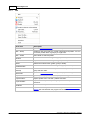
Item
Description
All Files
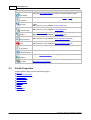
Press this button to show all files.
New
Press this button to show files that were created since the last
synchronization.
Modified
Press this button to show modified files.
Deleted
Press this button to show deleted files.
Conflicts
Press this button to show file conflicts.
Filter
Switches on/off filtering by file extension.
Files List
Shows the files and folders list.
Close
Closes the dialog.
Run Now
Closes the dialog and run the current profile.
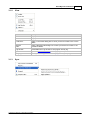
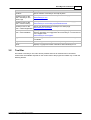
Clear
Packet Synchronization:
Clears remote files list. All local files are treated as new and will be
included in the package.
Synchronize source and destination:
Clears a list of synchronized files. All files which are exist on one side only
will be treated as new.
Reset
Resets remote files list to the local ones. All remote files will be treated as
up to date.
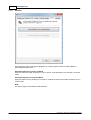
Find
Opens Find Text dialog to look for a file name in the list.
Show Grid
Overlays a grid on the list.
Copyright © 2000-2014, SmartSync Software