1
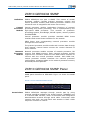
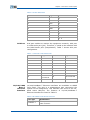
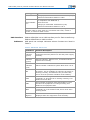
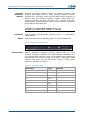
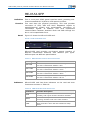
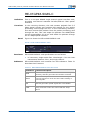
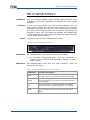
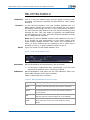
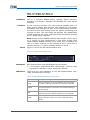
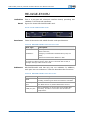
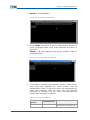
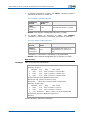
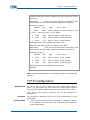
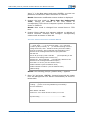
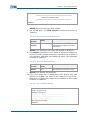
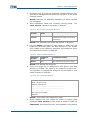
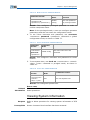
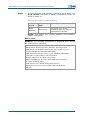
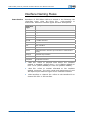
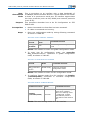
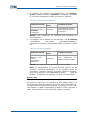
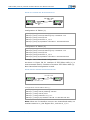
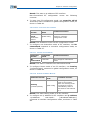
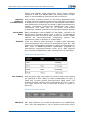
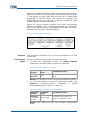
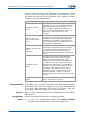
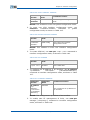
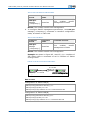
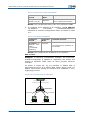
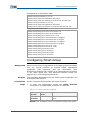
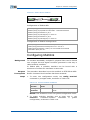
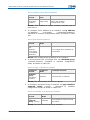
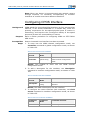
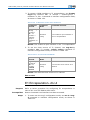
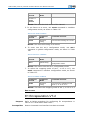
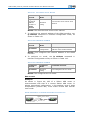
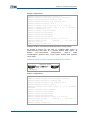
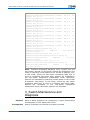
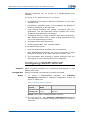
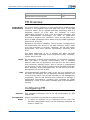
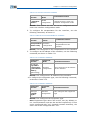
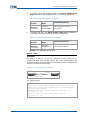
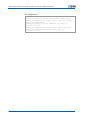
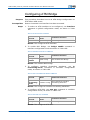
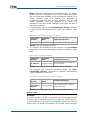
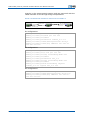
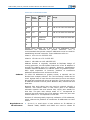
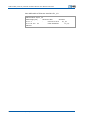
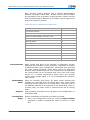
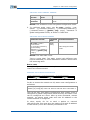
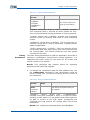
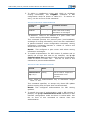
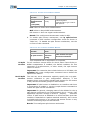
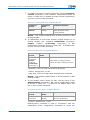
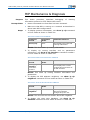
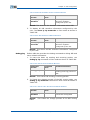
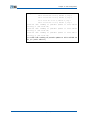
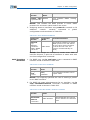
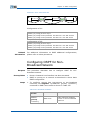
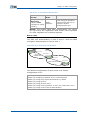
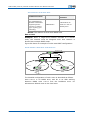
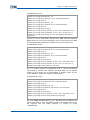
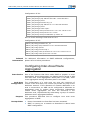
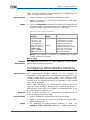
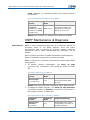
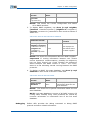
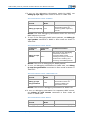
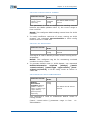
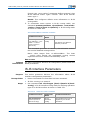
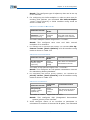
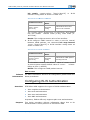
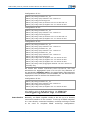
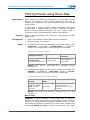
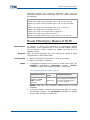
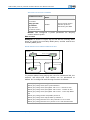
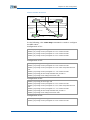
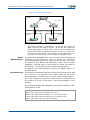
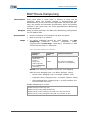
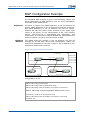
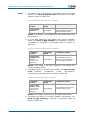
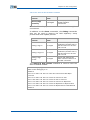
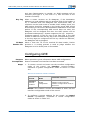
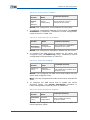
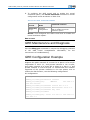
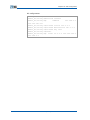
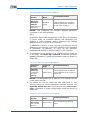
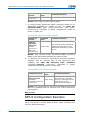
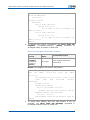
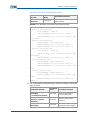
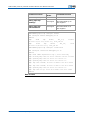
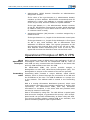
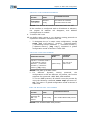
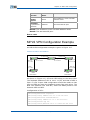
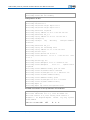
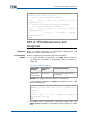
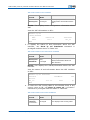
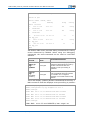
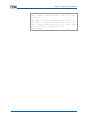
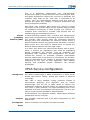
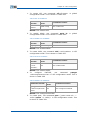
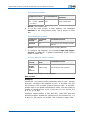
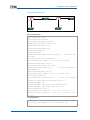
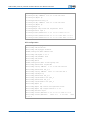
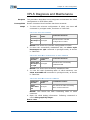
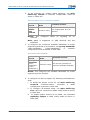
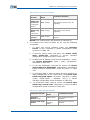
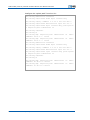
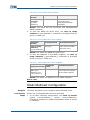
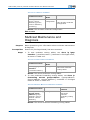
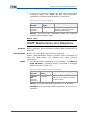
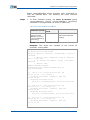
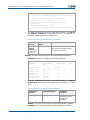
Chapter 5 System Management ***************************************** Welcome to ZXR10 T64E ***************************************** ZXR10> Result: System boots with TFTP image. 8. For normal boot, use show version command, as shown in Table 63. TABLE 63 SHOW VERSION COMM AND WINDOW Command Format Command Mode Command Function show version Exec This indicates software version of flash and new image file present in directory Result: This indicates new image file present in directory. 9. Use delete command in Exec mode to delete old image file zxr10.zar under the IMG directory in the flash only if space is not sufficient, otherwise just change its name. The command is shown in Table 64. TABLE 64 DELETE COMM AND WINDOW Command Format Command Mode Command Function delete Exec This deletes file present in flash Result: This deletes old image file. 10. Copy new image file in background TFTP Server into IMG directory in FLASH. The name of the image file is zxr10.zar. Operation of copying the image file to the flash in TFTP mode is shown in Table 65. TABLE 65 COPY COMM AND WINDOW ZXR10#copy tftp: //168.4.168.89/zxr10.zar flash: /img/zxr10.zar Starting copying file ................................................................. ................................................................. ...................................... file copying successful. ZXR10# Confidential and Proprietary Information of ZTE CORPORATION 75