1
C3 CMTS User Guide
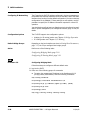
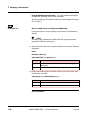
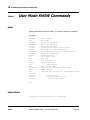
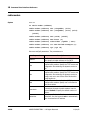
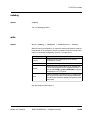
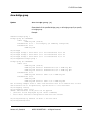
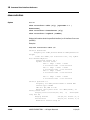
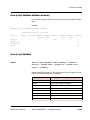
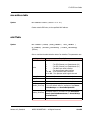
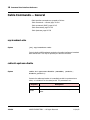
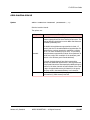
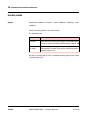
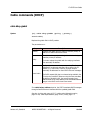
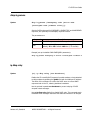
cable frequency-band
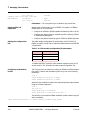
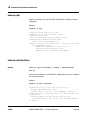
Syntax
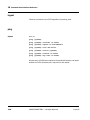
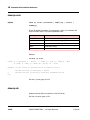
[no] cable frequency-band {index} {band} {start
start-freq} {stop stop-freq}
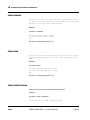
Configures a frequency band with the given start and stop edge frequencies in
Hz. The C3 assigns cable modems to a frequency group, restricting their
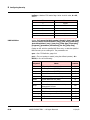
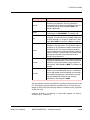
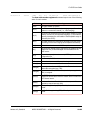
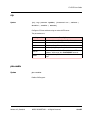
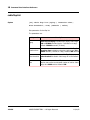
upstream frequencies to a band within that group. The parameters are:
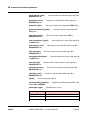
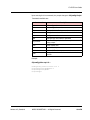
Keyword
Description
index
Specifies a frequency group. Valid range: 1 to 10.
band
Specifies a frequency band within the group. Valid range:
1 to 10
start-freq
Start frequency, in Hz. Valid range: 1800000 to
68200000; the start frequency must be lower than the
stop frequency
stop-freq
Stop frequency, in Hz. Valid range: 1800000 to
68200000
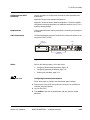
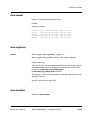
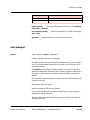
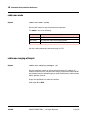
You can create multiple frequency bands by configuring several bands with the
same value of index but different values of band.
Use the no form of this command to remove a band from a frequency group.
Removing the last band from a group also removes the group.
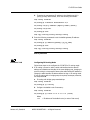
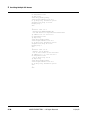
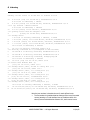
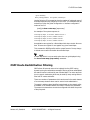
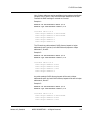
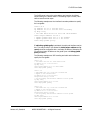
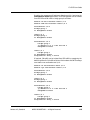
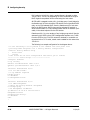
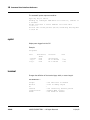
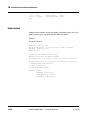
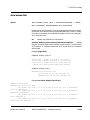
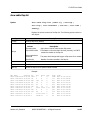
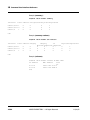
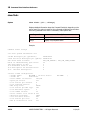
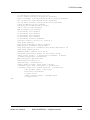
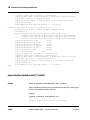
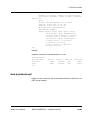
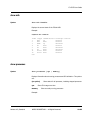
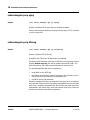
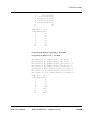
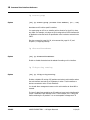
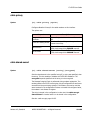
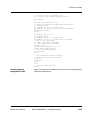
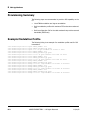
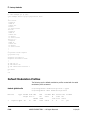
The following example defines 6 cable frequency groups with one frequency
band per group.
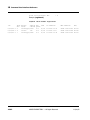
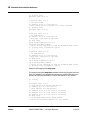
cable frequency-group 1 1 start 1800000 stop 68200000
cable frequency-group 2 1 start 1800000 stop 68200000
cable frequency-group 3 1 start 1800000 stop 68200000
cable frequency-group 4 1 start 1800000 stop 68200000
cable frequency-group 5 1 start 1800000 stop 68200000
cable frequency-group 6 1 start 1800000 stop 68200000
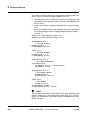
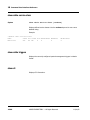
If you attempt to modify an existing frequency band, all upstream channels in
Release 4.3, Standard
ARRIS PROPRIETARY — All Rights Reserved
10-111