1
Person doesn’t exist in Roll Call
If you are opening Roll Call Connect up to your church congregation, you may run into a case
where you do not have the person’s information in Roll Call. Maybe they happened upon your
website and want to make an online contribution or they have just started attending and want to
give you their contact information. Here’s how that works:
1.
2.
3.
4.
5.
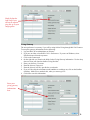
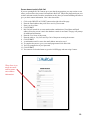
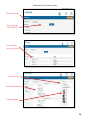
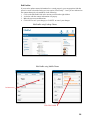
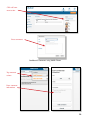
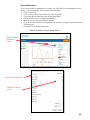
Click on the CREATE ACCOUNT button on the right side of the page.
Enter the Email address that you’d like to use for your account.
Enter your Last Name.
Click SUBMIT.
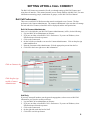
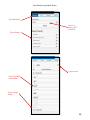
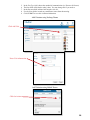
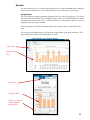
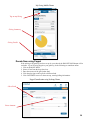
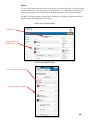
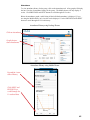
Roll Call will search for an exact match on that combination of Last Name and Email
address. Since the person is not in the database a match is not found. The page will prompt
for additional information.
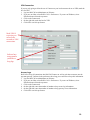
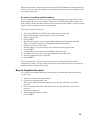
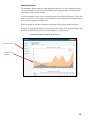
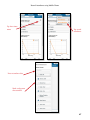
6. Enter the First Name of the person.
7. Enter the Address, City, State and Zip Code of the person creating the account.
8. Click SUBMIT.
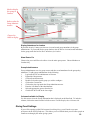
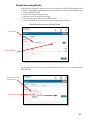
9. A confirmation email is sent to the email address entered on step 2.
10. To complete the process, go to your email program and click on the link.
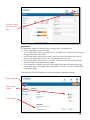
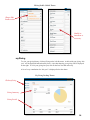
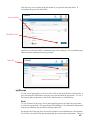
11. You’ll be prompted to set your password.
12. Click SUBMIT.
13. You can now click on the button to go to the LOGIN page and start using Connect.
When there is no
match on email
and last name,
enter address
information
19