1
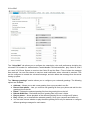
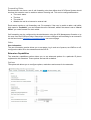
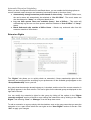
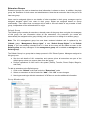
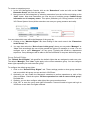
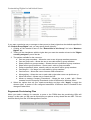
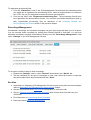
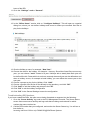
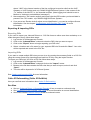
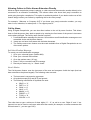
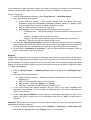
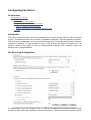
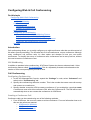
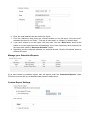
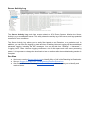
Backup and Restore On this topic Backup and Restore Introduction Backing up your System Step 1: Choose a Location to Store Backups Step 2: Creating a Backup Restoring a Backup See Also Introduction 3CX Phone System has an integrated backup and restore functionality, which can serve a number of purposes: ● Create regular backups of your data. ● Allow for easy upgrades to newer versions of 3CX Phone System. ● Allow hasslefree moving from one machine to another. ● Ability to configure a standby server for fault tolerance. The integrated backup functionality can be configured to create oneoff backups or perform them on a scheduled basis. Backing up your System To backup your system, you will need to decide where, what and when to backup your PBX. ● Where: Choose from local or remote using FTP ● What: System configuration, Voice Mail, Recordings etc. ● When: Oneoff or at scheduled intervals To take backups, the services will not need to be stopped. Still we recommend doing it at off peak hours. Step 1: Choose a Location to Store Backups 3CX will save and restore backups to a central backup location. This backup location can be remote or local.