1
MOSFET Models
6.
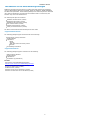
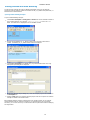
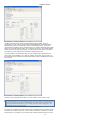
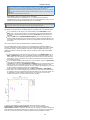
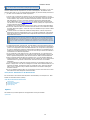
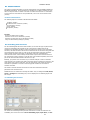
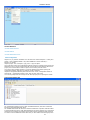
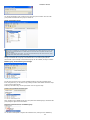
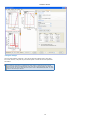
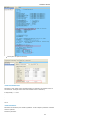
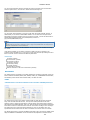
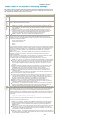
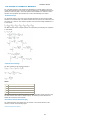
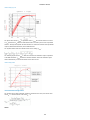
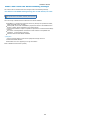
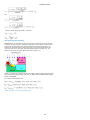
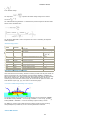
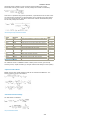
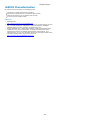
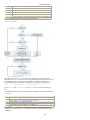
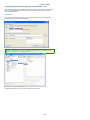
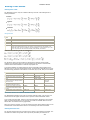
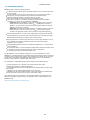
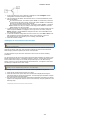
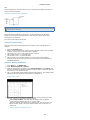
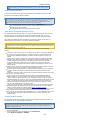
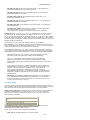
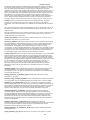
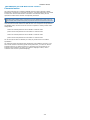
7. Select an appropriate option in the Routine and Measurement Condition warning
dialog box.
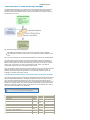
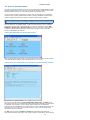
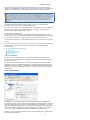
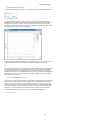
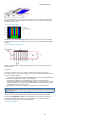
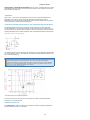
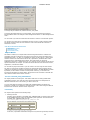
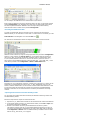
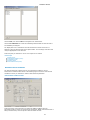
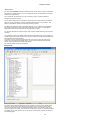
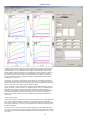
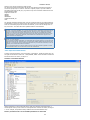
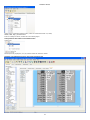
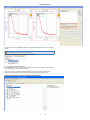
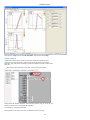
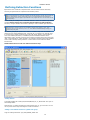
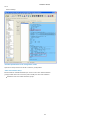
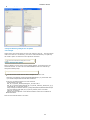
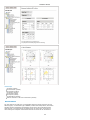
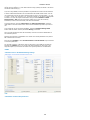
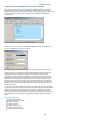
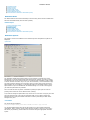
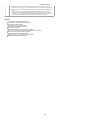
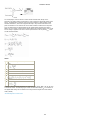
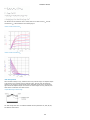
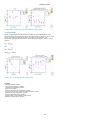
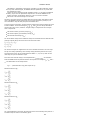
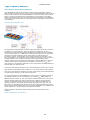
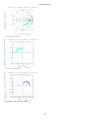
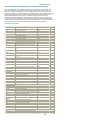
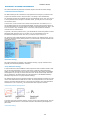
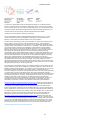
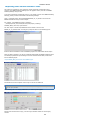
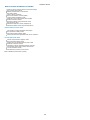
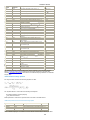
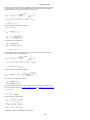
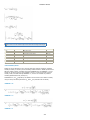
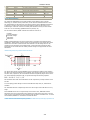
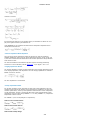
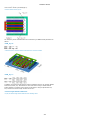
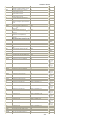
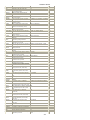
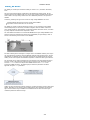
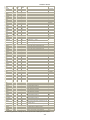
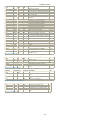
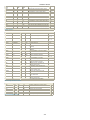
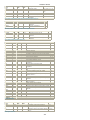
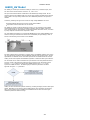
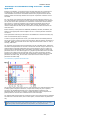
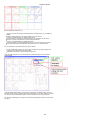
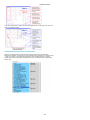
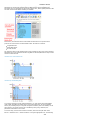
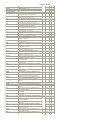
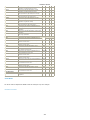
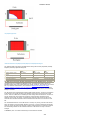
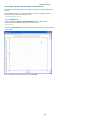
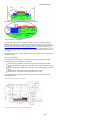
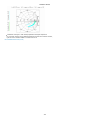
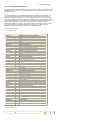
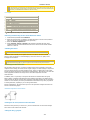
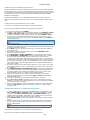
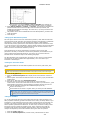
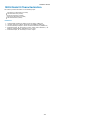
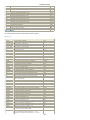
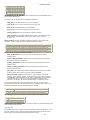
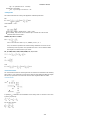
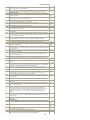
After the WaferPro is updated with the new measurement routines, the measurement
routines defined in your MOS Modeling Toolkit gets added to the default routines and
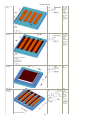
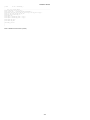
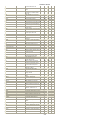
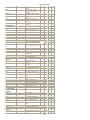
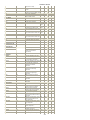
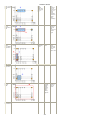
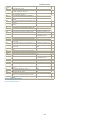
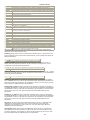
additional device type definitions are imported. The following screenshot shows the
imported measurement routines.
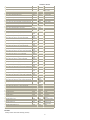
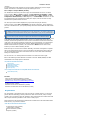
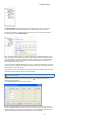
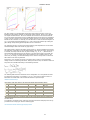
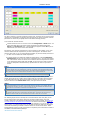
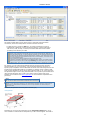
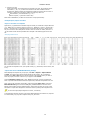
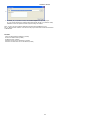
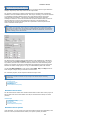
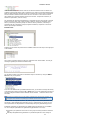
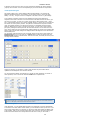
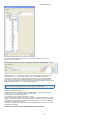
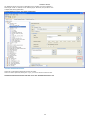
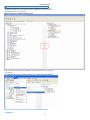
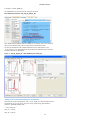
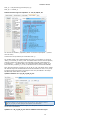
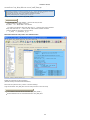
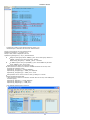
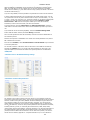
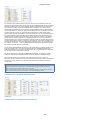
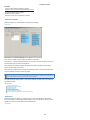
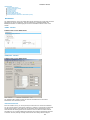
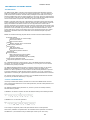
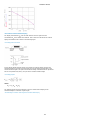
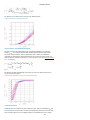
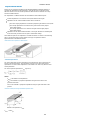
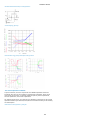
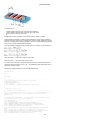
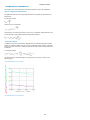
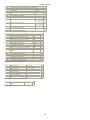
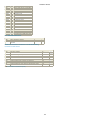
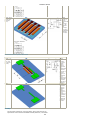
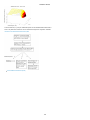
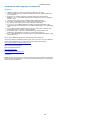
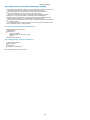
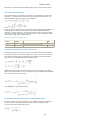
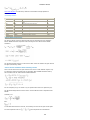
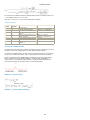
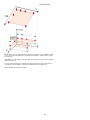
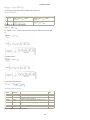
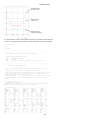
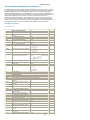
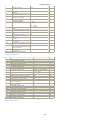
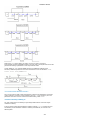
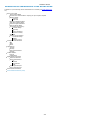
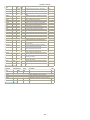
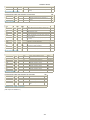
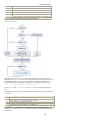
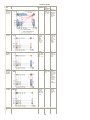
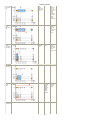
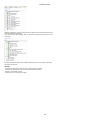
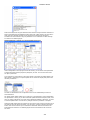
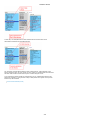
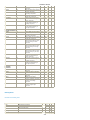
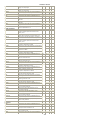
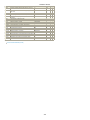
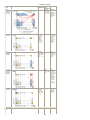
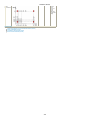
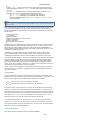
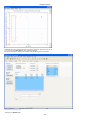
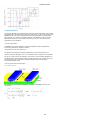
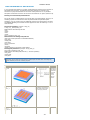
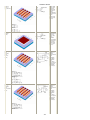
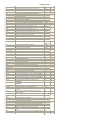
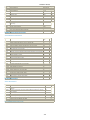
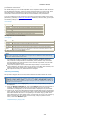
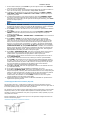
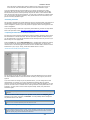
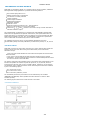
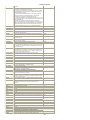
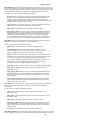
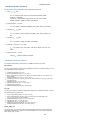
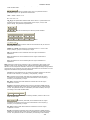
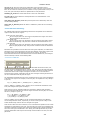
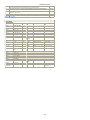
Along with the measurement routines, the additional device type definitions are also
imported as shown in screenshot below.
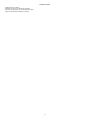
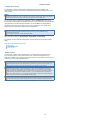
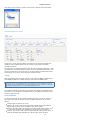
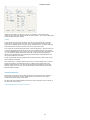
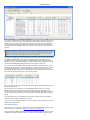
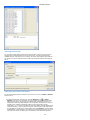
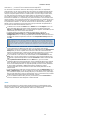
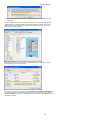
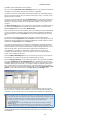
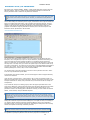
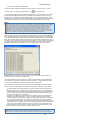
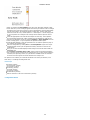
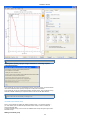
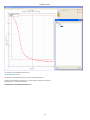
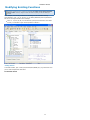
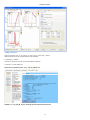
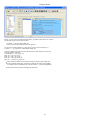
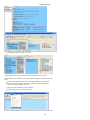
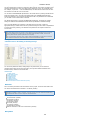
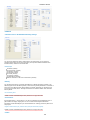
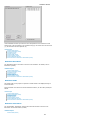
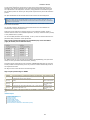
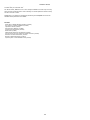
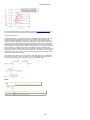
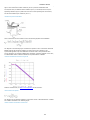
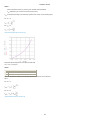
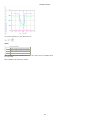
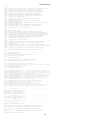
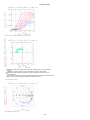
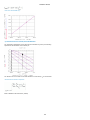
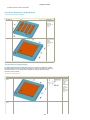
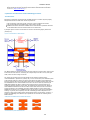
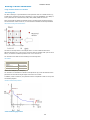
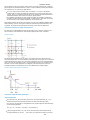
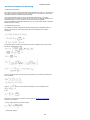
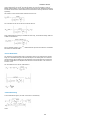
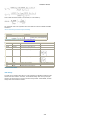
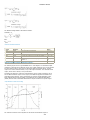
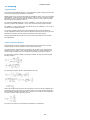
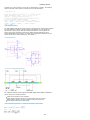
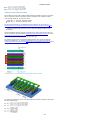
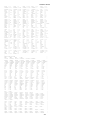
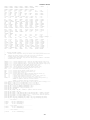
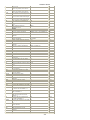
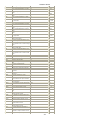
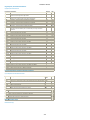
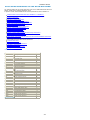
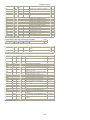
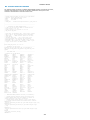
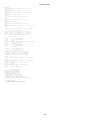
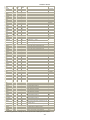
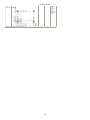
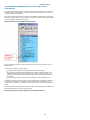
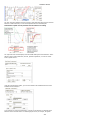
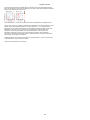
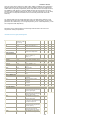
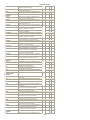
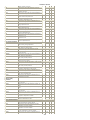
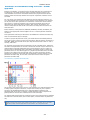
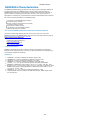
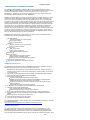
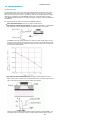
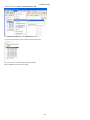
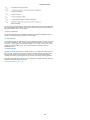
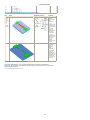
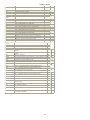
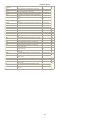
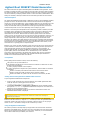
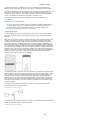
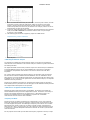
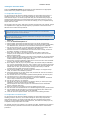
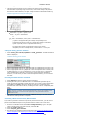
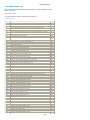
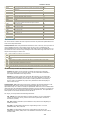
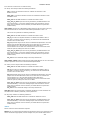
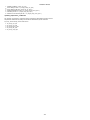
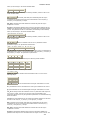
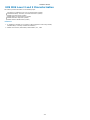
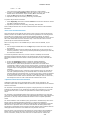
To view the new measurement routines, select Test Plan > Measurement Conditions in
the WaferPro window. In the Edit Measurement pane, you can select the new routines
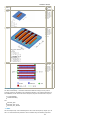
from the Routines drop-down list. The following screenshot displays the added routines in
the WaferPro window.
39