1
Overview
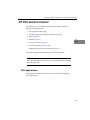
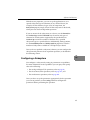
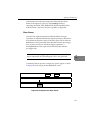
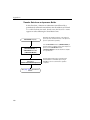
When the DTx-EZ custom controls are loaded, the DTACQ32 and
DTPLOT32 icons appear in the Toolbox as follows:
1
1
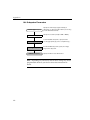
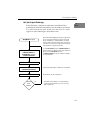
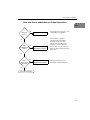
Adding to a Visual C++ 6.0 Project
Before you begin using the DT-EZ, add the DTx-EZ Data Acquisition
and DT Plotting Custom Controls.
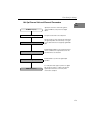
1.
Start Windows 95 and launch Microsoft Visual C++ 6.0.
2.
Create a new MFC project using the application wizard.
Ensure you add support for ActiveX controls in Step 2.
3.
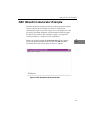
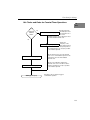
Select Project > Add to Project > Components and Controls.
The “Component and Controls Gallery” appears.
4.
Double-click the Registered ActiveX Controls folder.
5.
Select the DTPlot32 Control and click Insert.
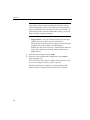
The program prompts you to insert the component and to confirm the
creation of a wrapper class for accessing the control through Visual
C++.
6.
Repeat step 5 for the DTAcq32 Control.
1
1
1
1
1
1
1
11