1
ST7MDTX-KIT
These changes affect:
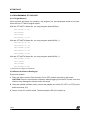
– the PATH option, where the path for the components of the Assembly Chain should be added,
– the METAI and DOS4G environment variables that have to be set to the following values,
respectively:
SET METAI=C:\<install folder>\asm
where <install folder> is the installation root folder (directory), St7tools by default.
SET DOS4G=QUIET
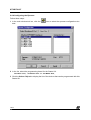
You may let the system proceed to the changes or make the changes by yourself. In any case,
for the modifications to be effective, you will have to reboot the system. If you make the changes by yourself, the values to be typed can be found in:
C:\<install folder>\asm\St7vars.bat
where <install folder> is the installation root folder (directory), St7tools by default.
For more information refer to the ST7 Software Tools for the ST7 Family User Manual.
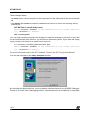
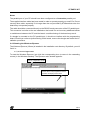
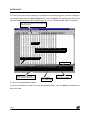
You are then directed to the Setup Complete window.
By checking the appropriate box, you may display a Release Note for the WGDB7 Debugger,
Version 2.0, and/or start a debugging session, immediately after the installation is completed.
10/17
24